Smart Cardio Onboarding Guide
Introduction
About this guide
This guide provides trainers and members with an introduction to EGYM Smart Cardio. It explains how to log in on Cardio machines, complete a cardio test, and train with personalized workouts.
What is Smart Cardio?
What are the benefits of Smart Cardio?
Assesses cardiovascular fitness with a cardio test.
Creates personalized workouts based on a member’s fitness level and training goal.
Provides workout guidance across different cardio machines.
Tracks cardio results centrally within the EGYM ecosystem.
Get started on Smart Cardio
Log in to Smart Cardio
Tap on a Smart Cardio machine.
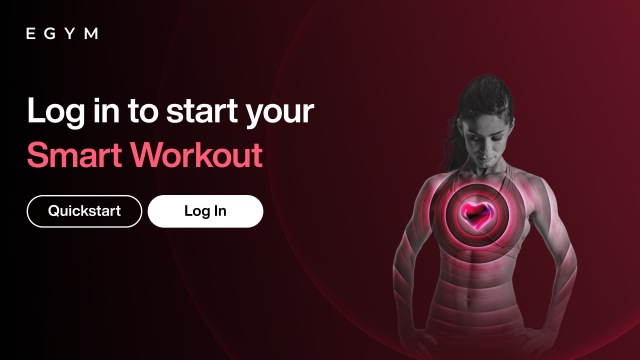
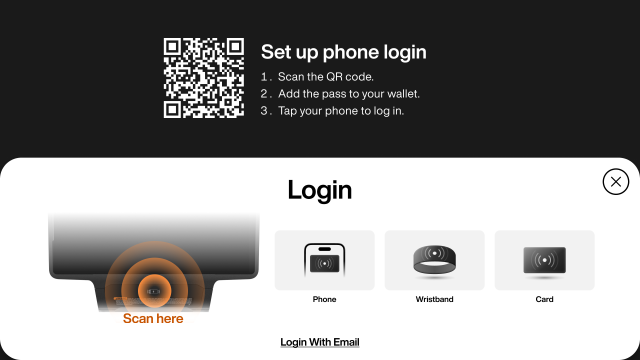
Scan your wristband or card to log in to your EGYM account.
The location of the reader varies by cardio machine. Follow the on-screen visual to see where to scan.
Do a cardio test
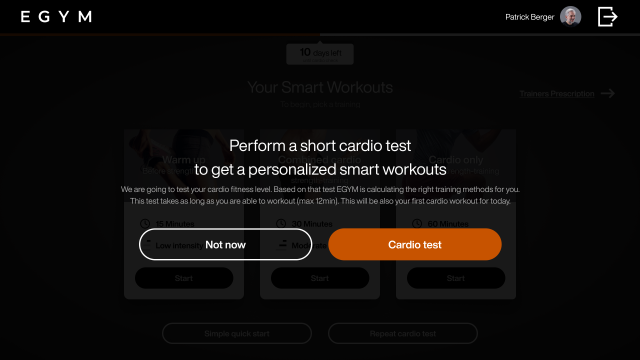
The cardio test follows a step-based structure with increasing intensity. Each stage lasts one minute, after which the member rates their perceived effort on a scale from 1 to 10. The test continues at a higher intensity until the exertion is rated as 9 or 10, or until all test levels are completed. The test results are used to assess cardiovascular fitness and to create personalized Smart Workouts.
After logging in for the first time, you will be prompted to complete a cardio test. You will be prompted to repeat the cardio test every 4 weeks.
Tap .
Nota
You can repeat a cardio test anytime from the workout selection screen by selecting .
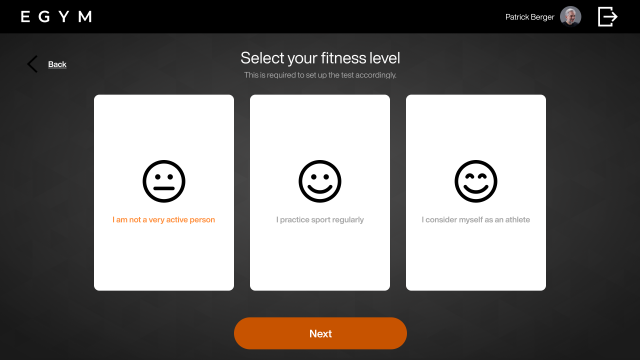
Select your fitness level by tapping the option that best describes you, then tap :
: Little to no regular exercise
: Exercise several times per week (e.g. 1-3 times per week)
: High training frequency (e.g. 4 or more times per week)
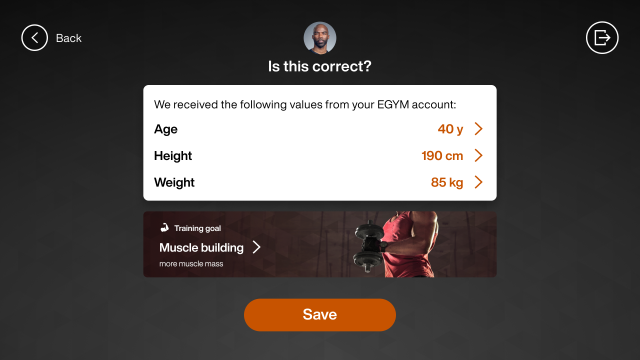
Tap to confirm your age, height, weight, and training program from your EGYM account.
Nota
If this data is not saved in your EGYM account, you will be prompted to enter your height and weight and select a training program.
Tap .
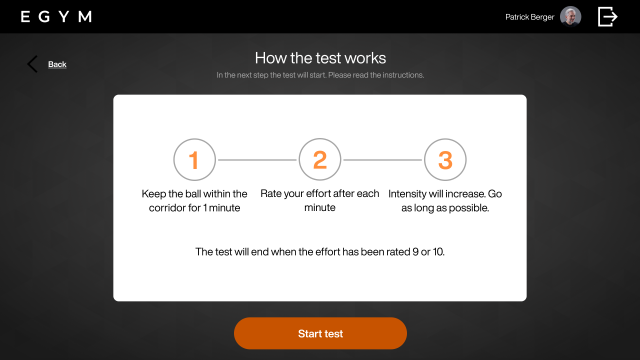
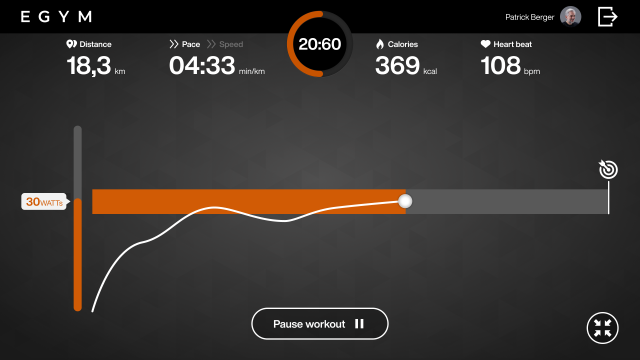
Maintain the target effort for one minute, by keeping the ball in the target range.
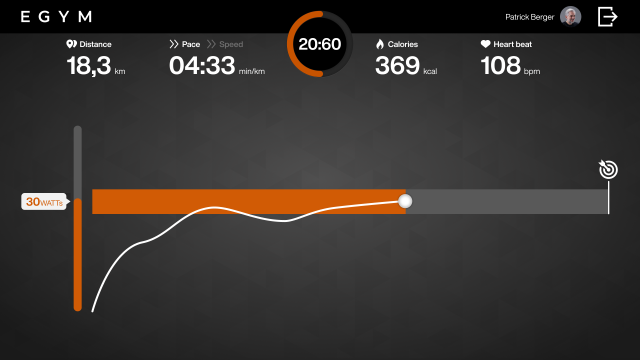
When prompted, rate your perceived effort on a scale from 1 to 10.
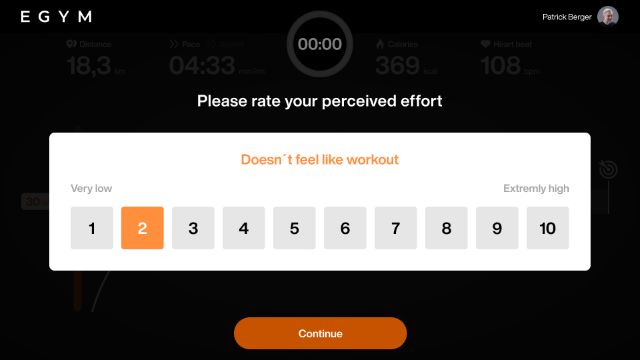
Continue the test at the next intensity level.
The cardio test ends when you select a 9 or 10 on the effort scale.
View your results.
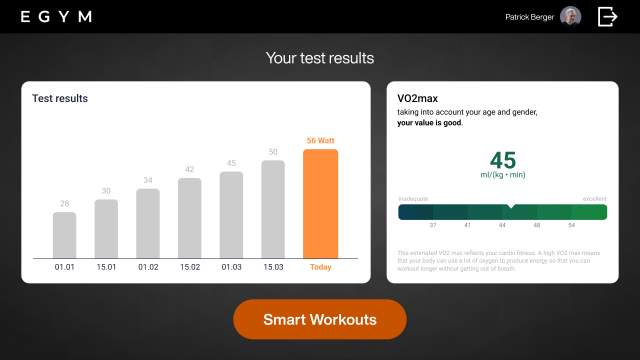
Nota
The results screen shows the maximum watt value achieved and the estimated VO₂ max.
The maximum watt value is the highest power output achieved during the cardio test.
VO₂ max is the maximum amount of oxygen the body can use during intense exercise.
The VO₂ max estimate is interpreted, based on age and gender, to classify cardiovascular fitness level.
Tap to view generated workouts based on your cardio test results.
Work out on Smart Cardio
Log in on a Smart Cardio machine.
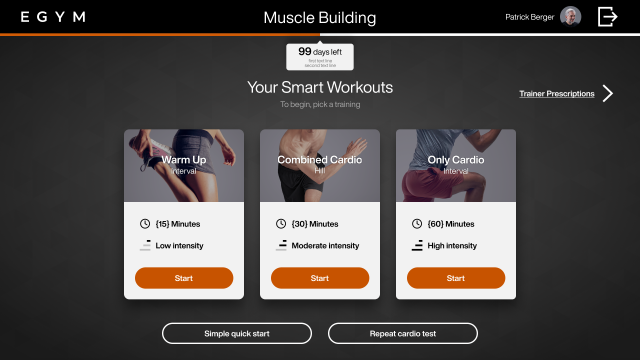
Tap to begin a workout. You can choose from:
Smart workouts: personalized cardio workouts created automatically based on the results of the cardio test and the selected training program.
: An 8-minute moderate intensity workout, intended to safely increase heartrate and prepare the body for exercise.
A 12 to 19 minute interval or hill workout, intended to complement strength training.
A 21 to 30.5 minute dedicated cardio workout, intended for cardiovascular training.
: Only available with the immunity boost training program.
Trainer prescribed workouts: workouts created for you by a trainer using the EGYM Trainer App.
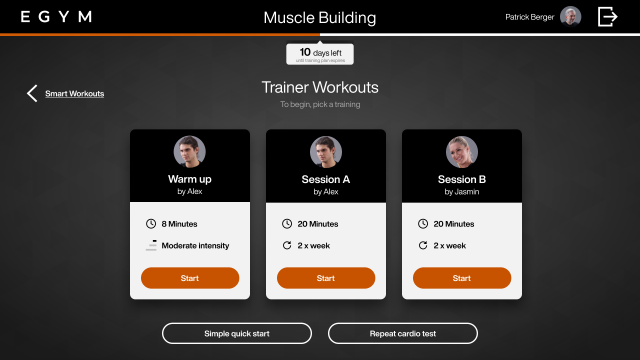
Keep the ball inside the target area throughout the workout by maintaining the suggested pace or intensity.
Tap the button at any time to pause the workout.