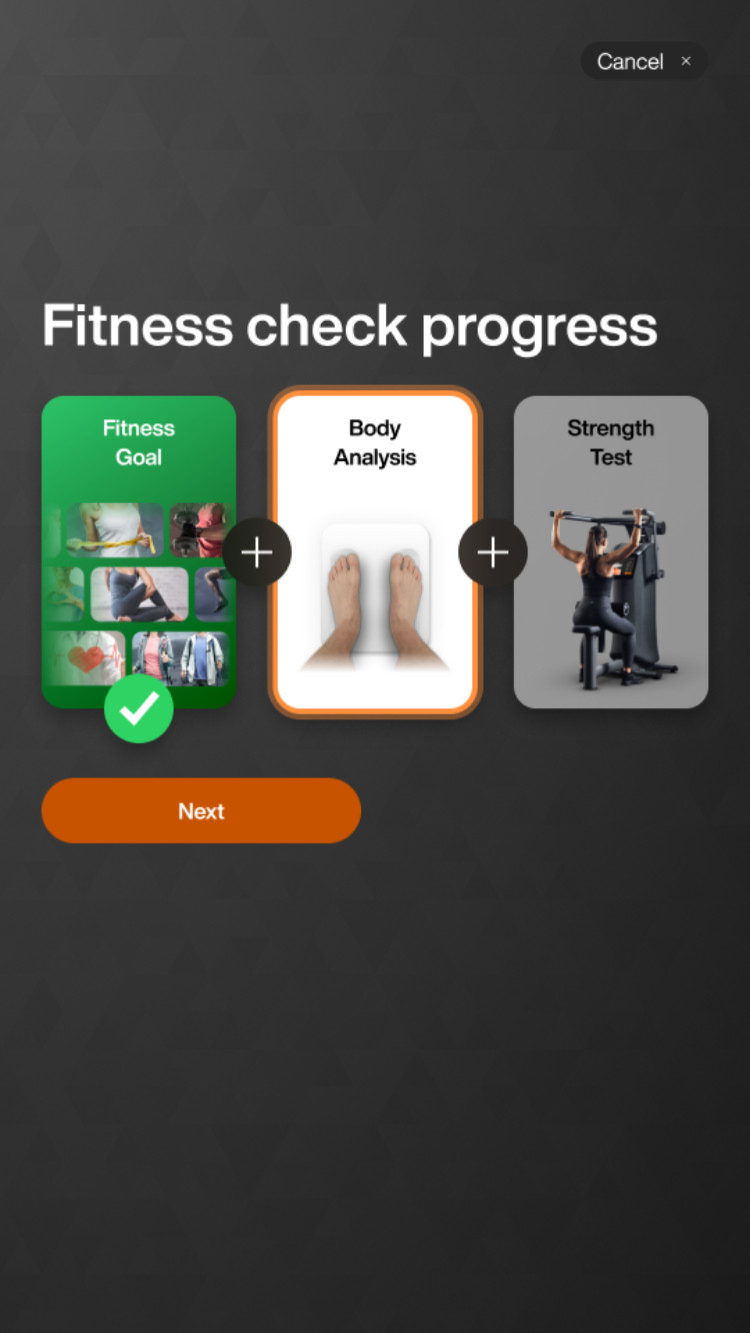
Do body analysis
Tap Next to proceed with body analysis.
Select your gender and tap Next.
Select your date of birth (month, day, year) and tap Next.
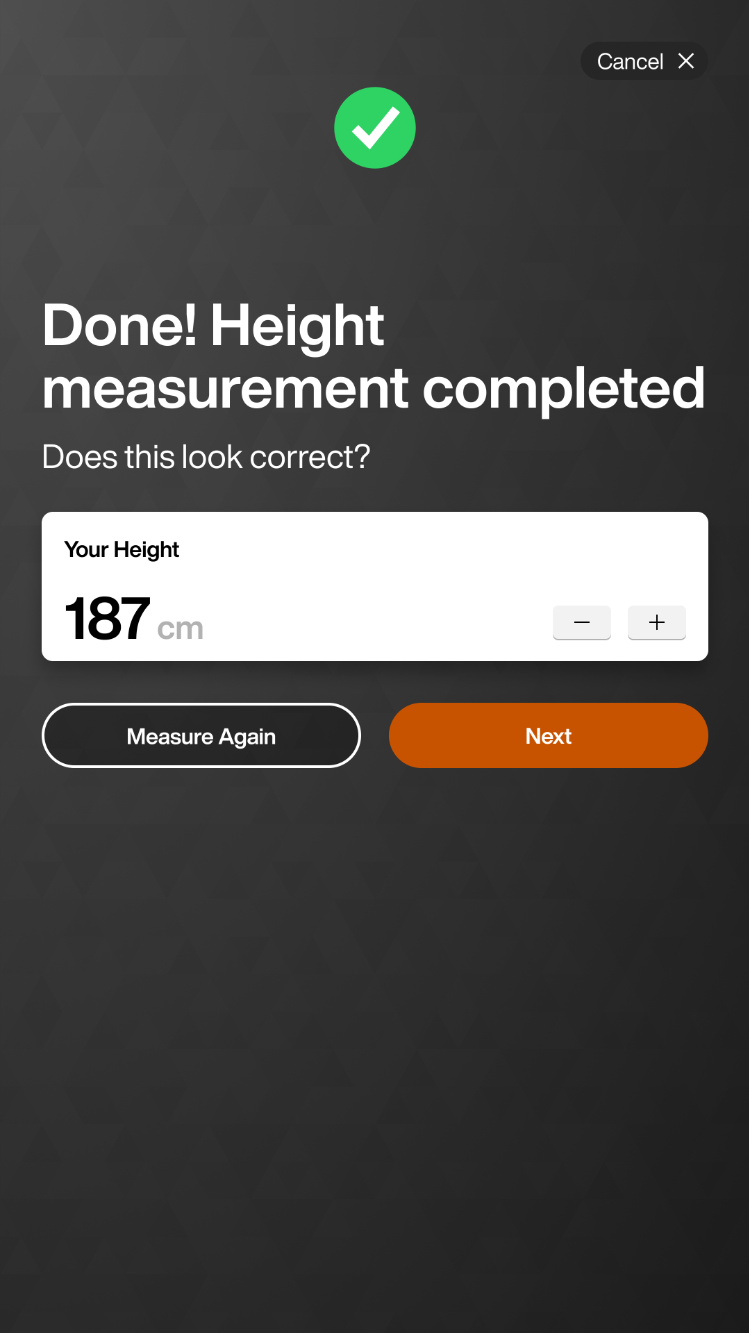
Follow the instructions on the Fitness Hub to measure your height (150 -195 cm), review the measurement, and tap Next.
Huomaa
If your height is between 150 - 160 cm or between 195 - 200 cm, in EGYM mode, certain machines may require a trainer to unlock them for your safety.
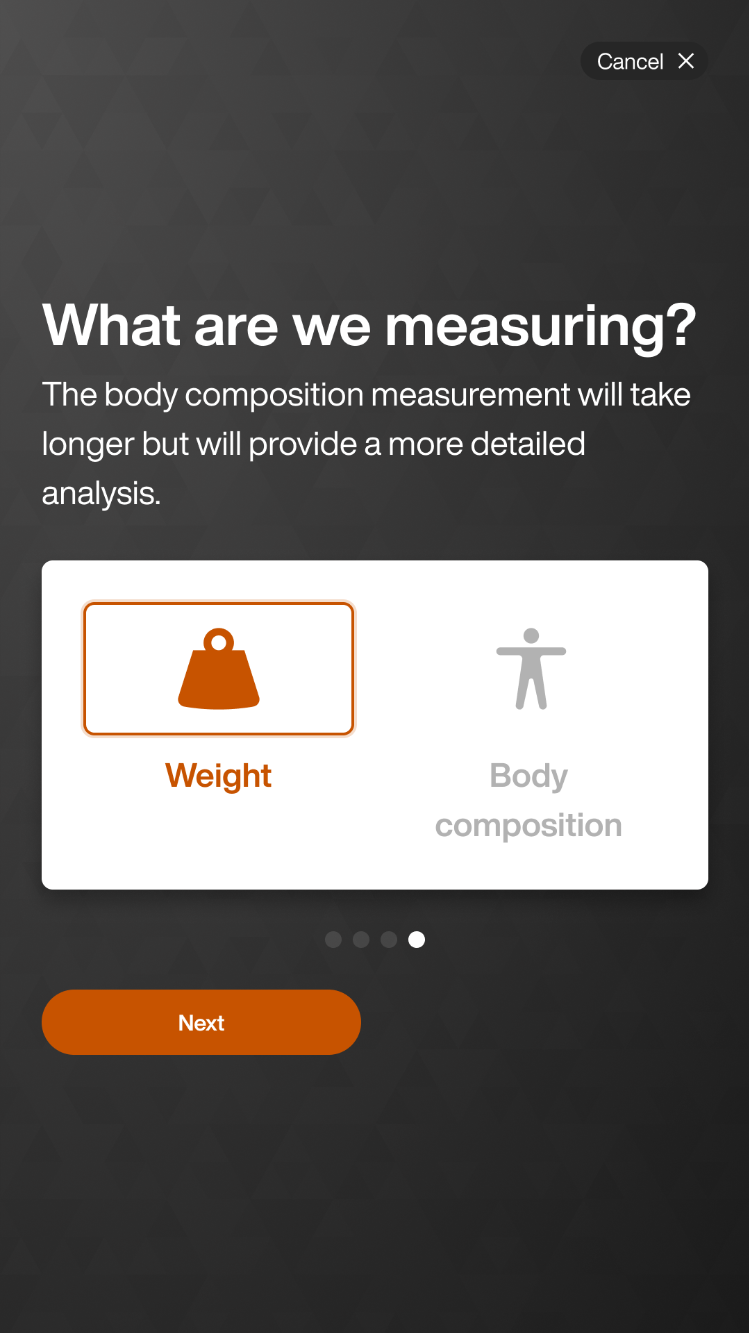
Select what to measure (Weight, Body composition) and tap Next.
Huomaa
EGYM recommends full body composition analysis for an optimized training plan and tracking of member progress.
Body composition analysis requires a compatible scale to be connected to the Fitness Hub. Body composition analysis measures a variety of additional parameters that vary depending on the connected scale.
This screen will not appear if you have a cloud scale or weight-only scale.
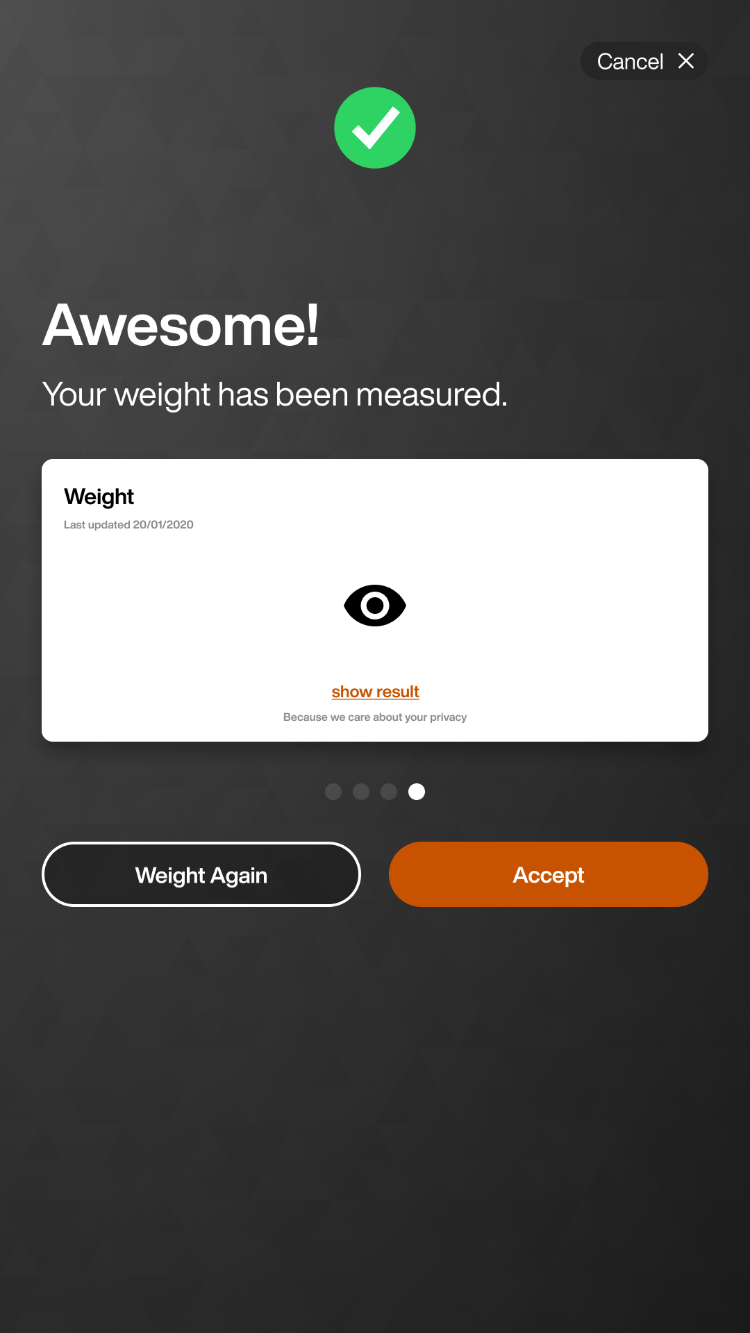
Step on to the scale, review your weight, and tap Accept.
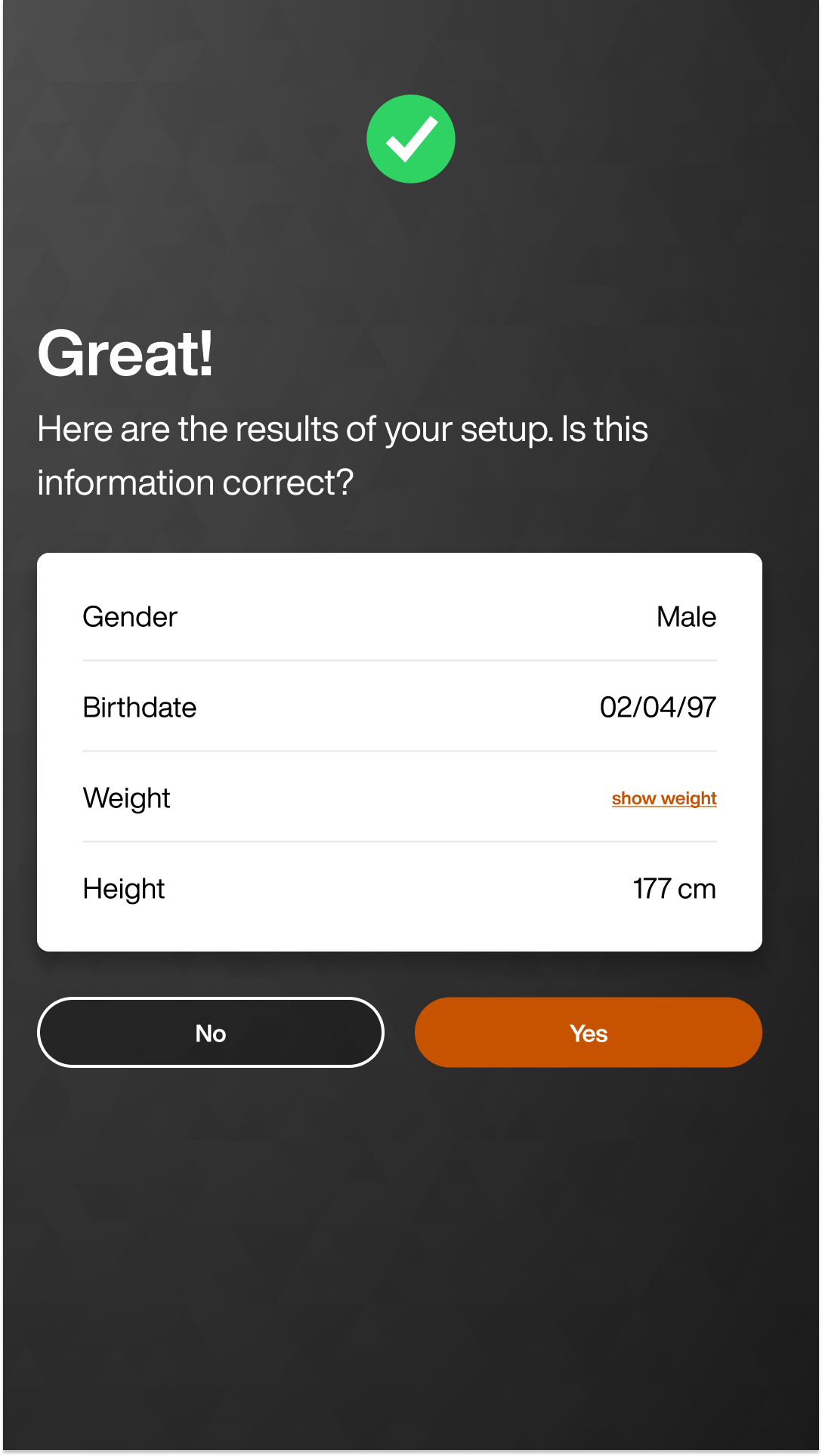
Review your results and tap Yes.
Huomaa
If enabled in internal admin, you can unlock machines (Smart Strength, Smart Flex) using Fitness Hub. You will see an additional screen, asking if you want to select Trainer Mode or EGYM Mode. If you select Trainer Mode, the trainer will need to unlock all machines and guide the member through onboarding. If you select EGYM Mode, members can independently complete their onboarding and strength assessments on Smart Strength machines.
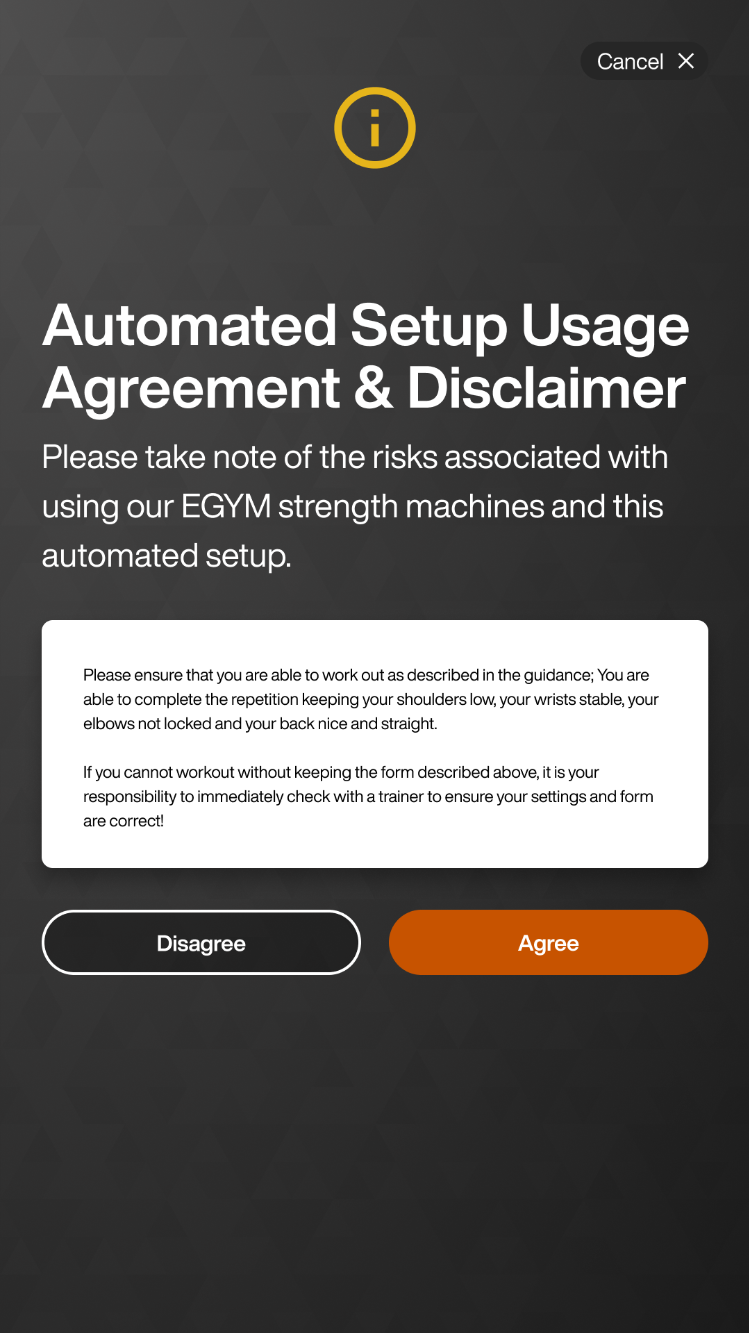
Review the Automated Setup Usage Agreement & Disclaimer and tap Agree.
Huomaa
If you tap Disagree, Fitness Hub will go into Trainer Mode.
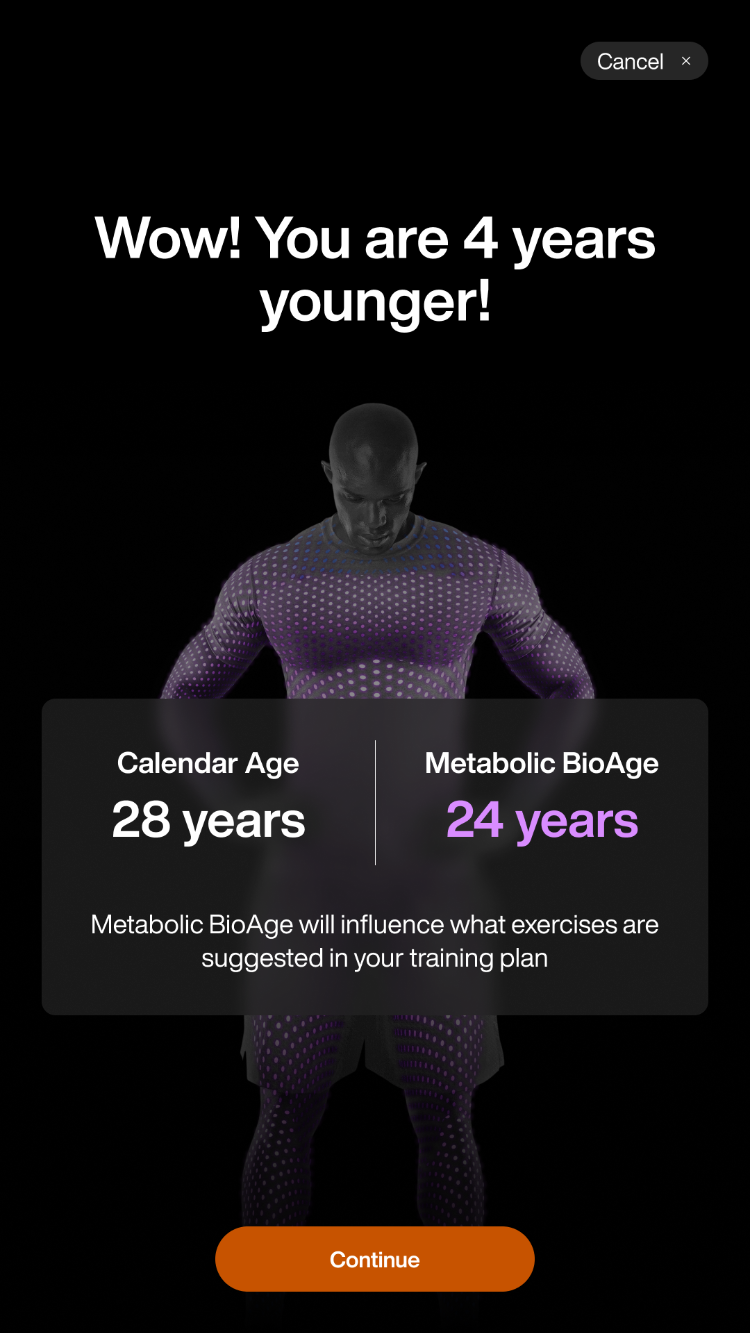
If available, your metabolic age appears. Tap Continue.
Huomaa
If your metabolic age is not available this screen is skipped.
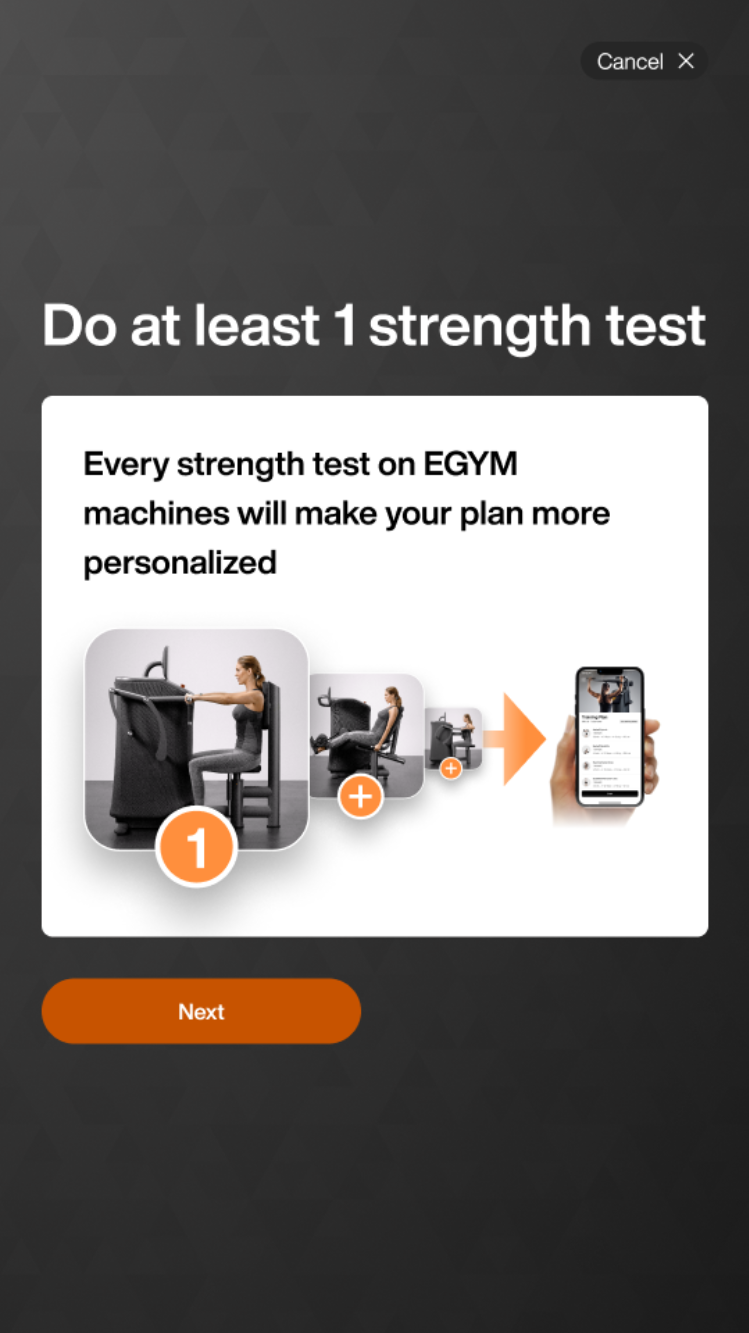
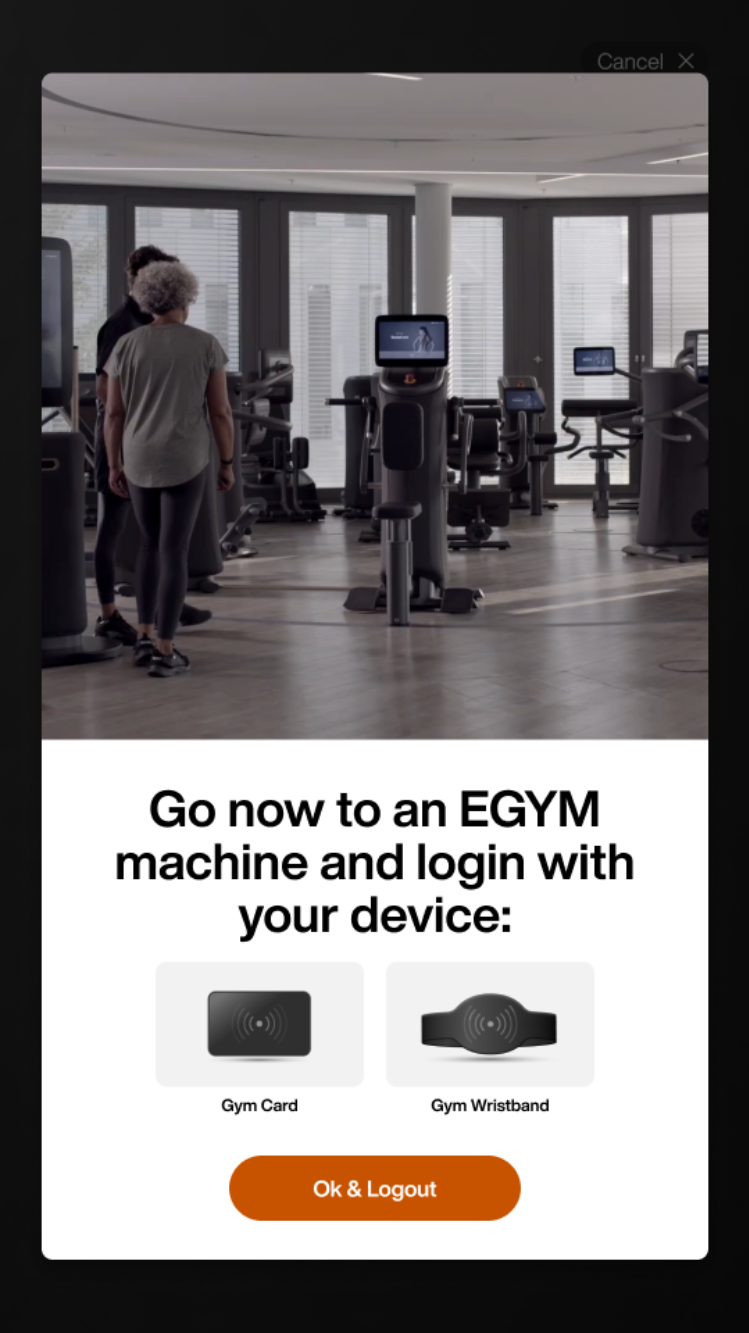
Tap through the next screens and then log out.