Do a cardio test
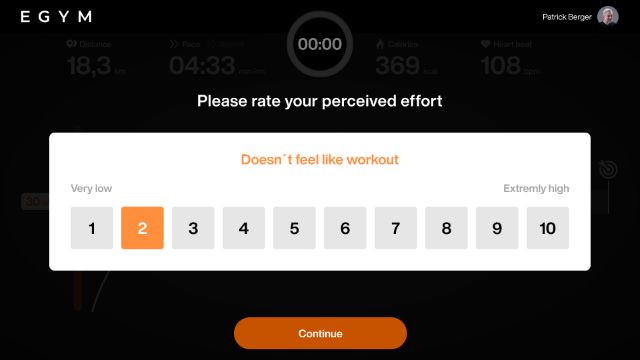
The cardio test follows a step-based structure with increasing intensity. Each stage lasts one minute, after which the member rates their perceived effort on a scale from 1 to 10. The test continues at a higher intensity until the exertion is rated as 9 or 10, or until all test levels are completed. The test results are used to assess cardiovascular fitness and to create personalized Smart Workouts.
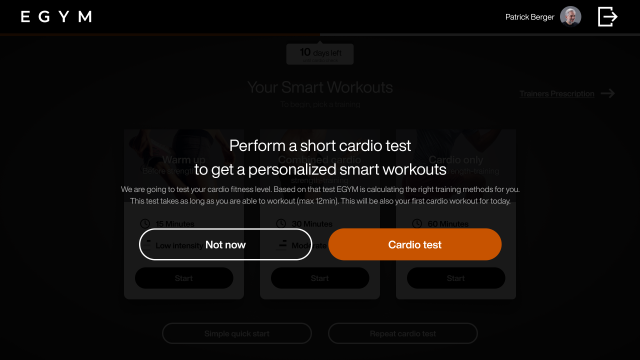
After logging in for the first time, you will be prompted to complete a cardio test. You will be prompted to repeat the cardio test every 4 weeks.
Tap .
Huomaa
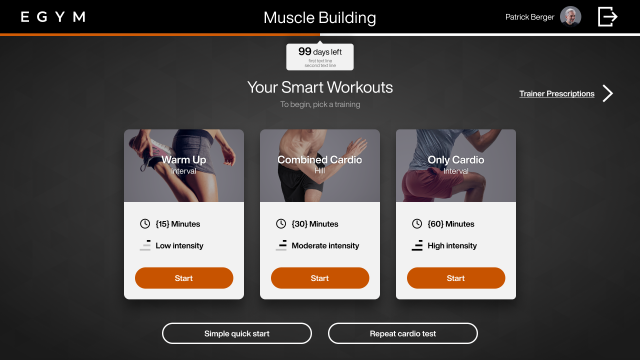
You can repeat a cardio test anytime from the workout selection screen by selecting .
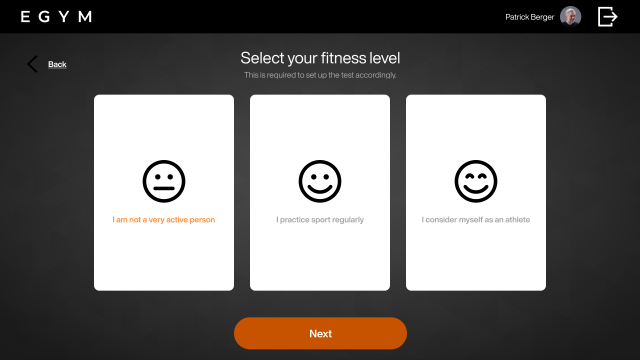
Select your fitness level by tapping the option that best describes you, then tap :
: Little to no regular exercise
: Exercise several times per week (e.g. 1-3 times per week)
: High training frequency (e.g. 4 or more times per week)
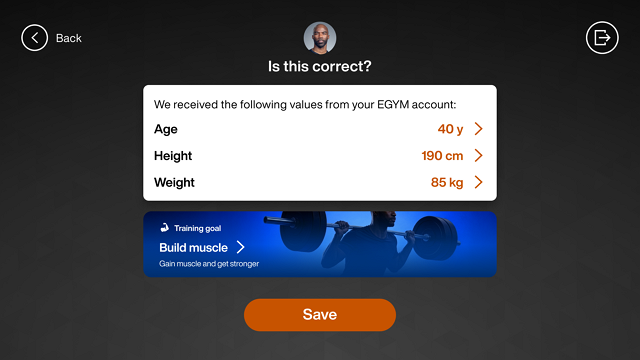
Tap to confirm your age, height, weight, and training program from your EGYM account.
Huomaa
If this data is not saved in your EGYM account, you will be prompted to enter your height and weight and select a training program
Tap .
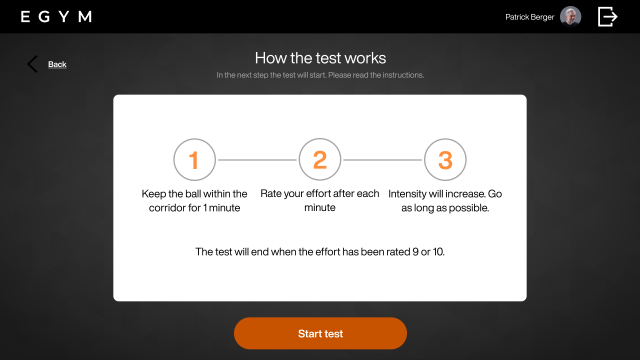
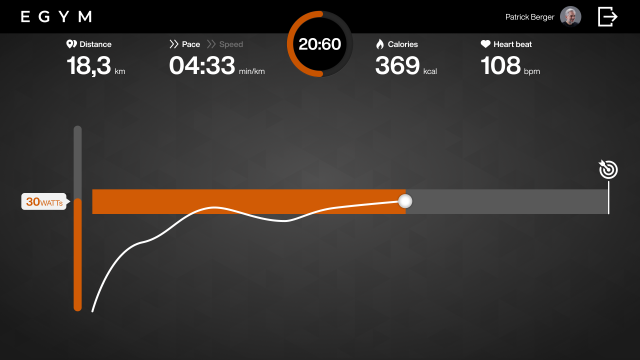
Maintain the target effort for one minute, by keeping the ball in the target range.
When prompted, rate your perceived effort on a scale from 1 to 10.
Continue the test at the next intensity level.
The cardio test ends when you select a 9 or 10 on the effort scale.
View your results.
Huomaa
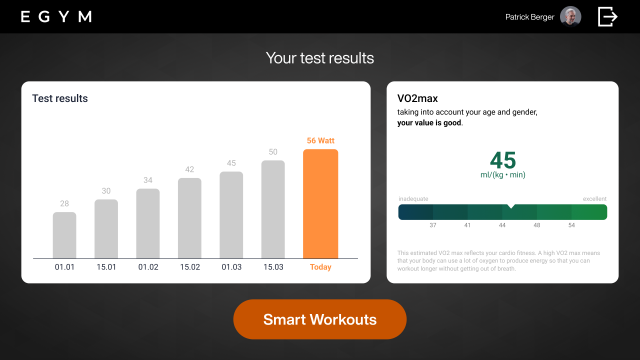
The results screen shows the maximum watt value achieved and the estimated VO₂ max.
The maximum watt value is the highest power output achieved during the cardio test.
VO₂ max is the maximum amount of oxygen the body can use during intense exercise.
The VO₂ max estimate is interpreted, based on age and gender, to classify cardiovascular fitness level.
Tap to view generated workouts based on your cardio test results.