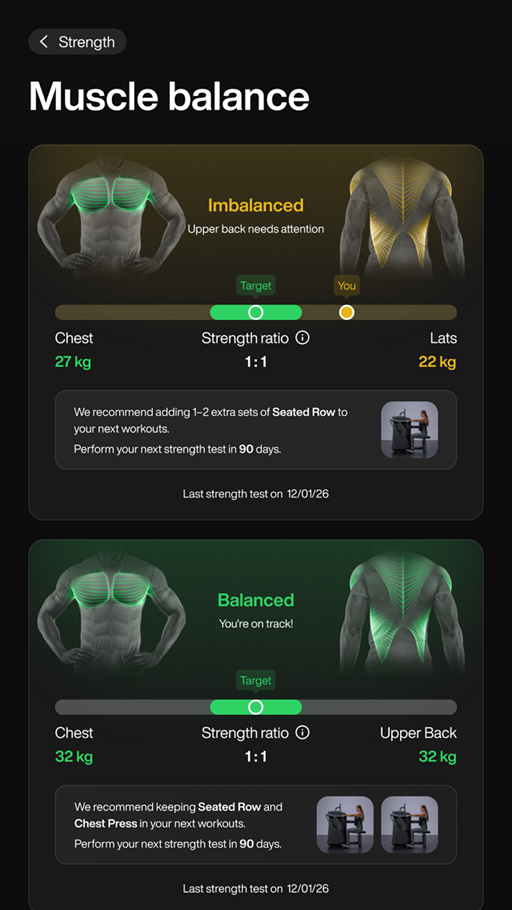
Muscle Balance
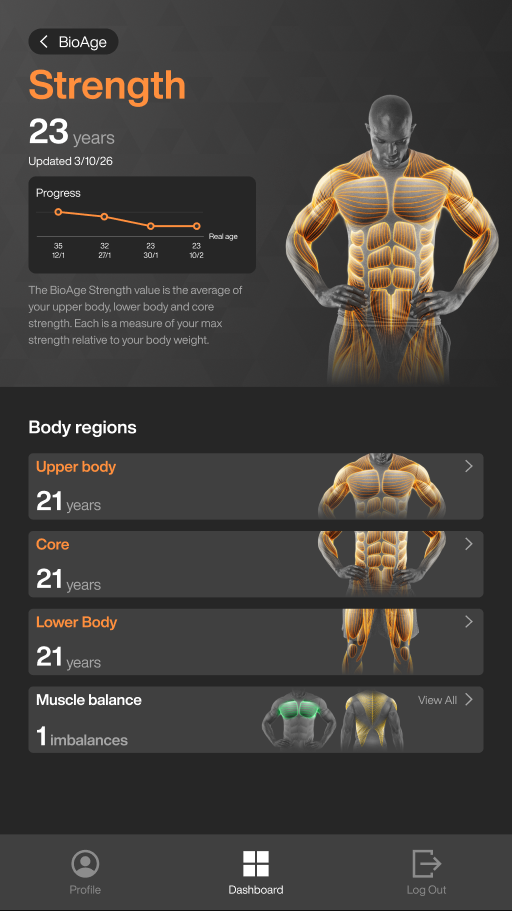
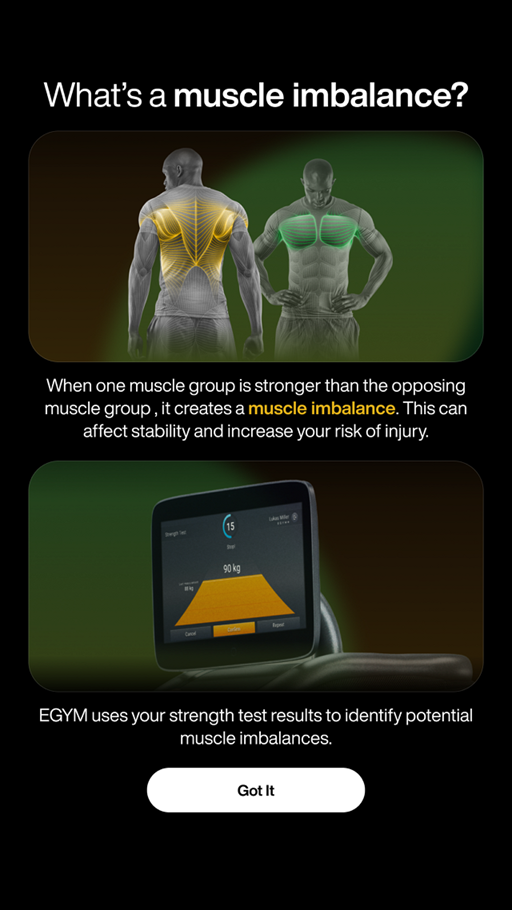
Fitness Hub displays strength test results on the BioAge Strength screen. Based on those results, the Muscle Balance screen visualizes differences in strength between opposing muscle groups. The first time you view this section, the onboarding screen explains how muscle imbalance is determined.
To access the Muscle balance screen on Fitness Hub:
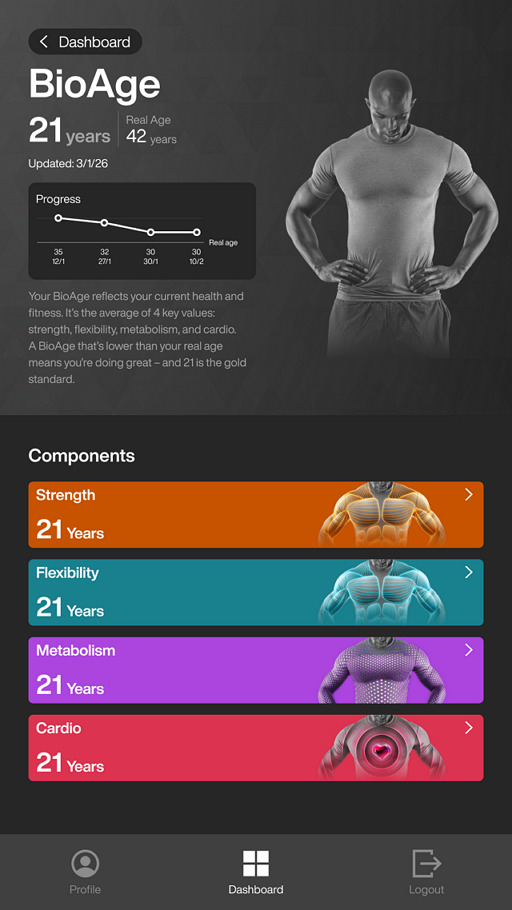
Tap BioAge on the Fitness Hub dashboard.

Tap the Strength.
Tap Muscle balance.
Nota
The Muscle balance panel displays the number of muscle imbalances detected.
Tap Got It to continue to your results.
View your results. The screen scores each muscle group as Balanced or Imbalanced. The graphic compares the target ratio with your current muscle balance. Exercise recommendations appear for imbalanced muscle groups.