Fill out training preferences
Uwaga
This sequence covers the common steps for Genius for Trainers, Genius for Members, and Genius for All.
Log in to the Fitness Hub using your RFID or NFC pass.
Tap Generate Training Plan.
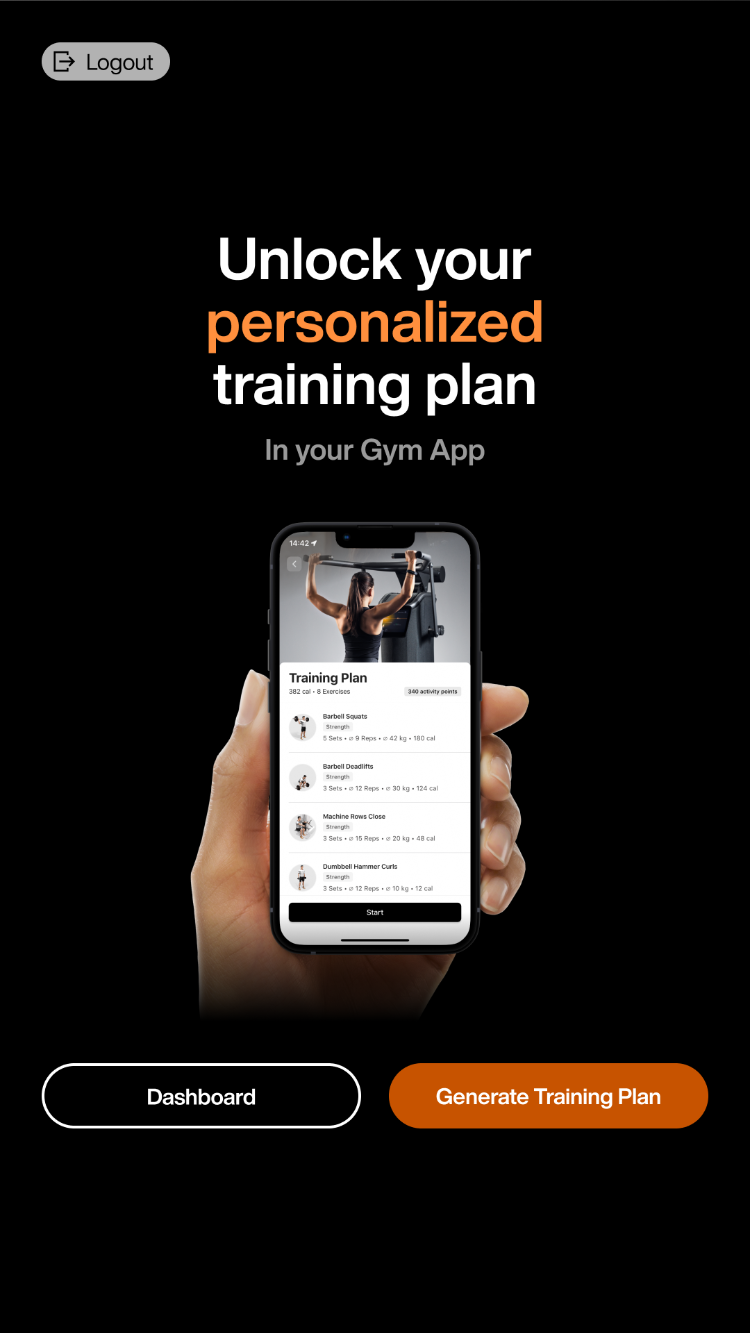
Uwaga
You can also reach this page from the Dashboard. Click Dashboard > Smart Onboarding > Personalized training plan > Start Onboarding.
Tap > to start the fitness check.
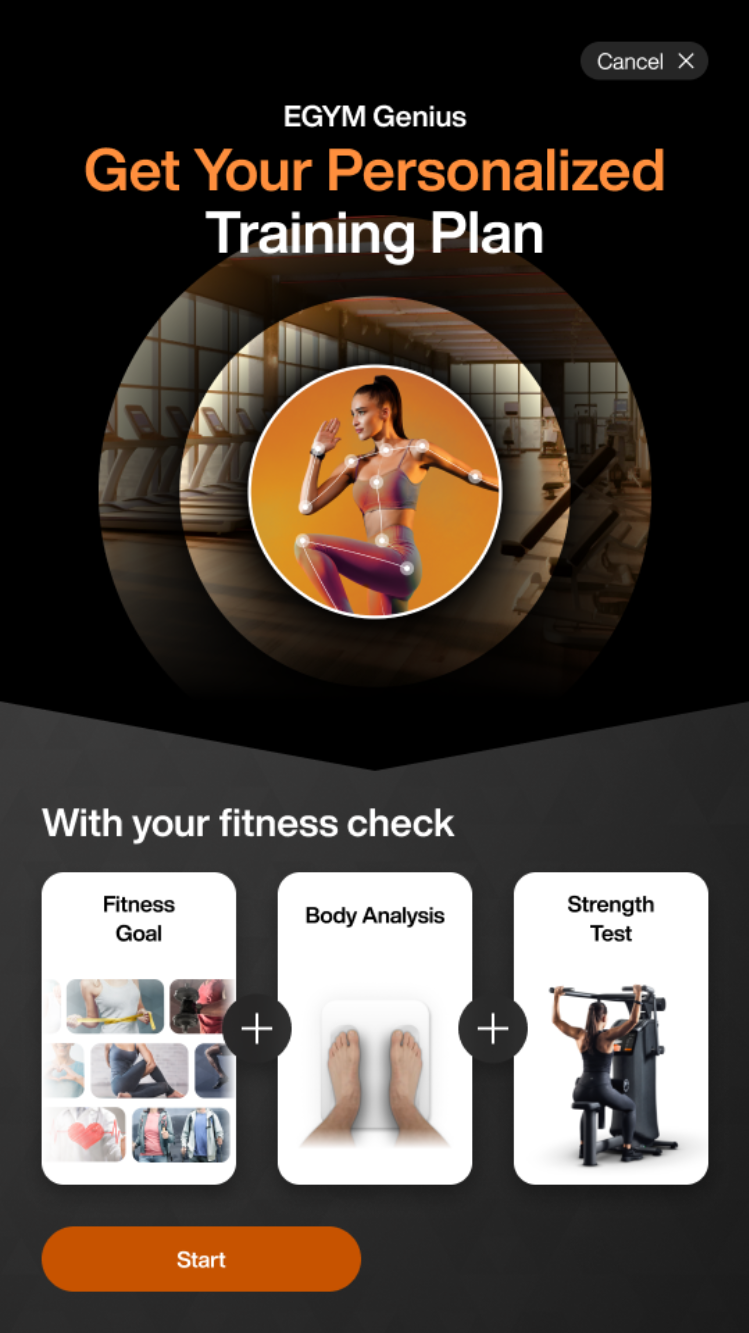
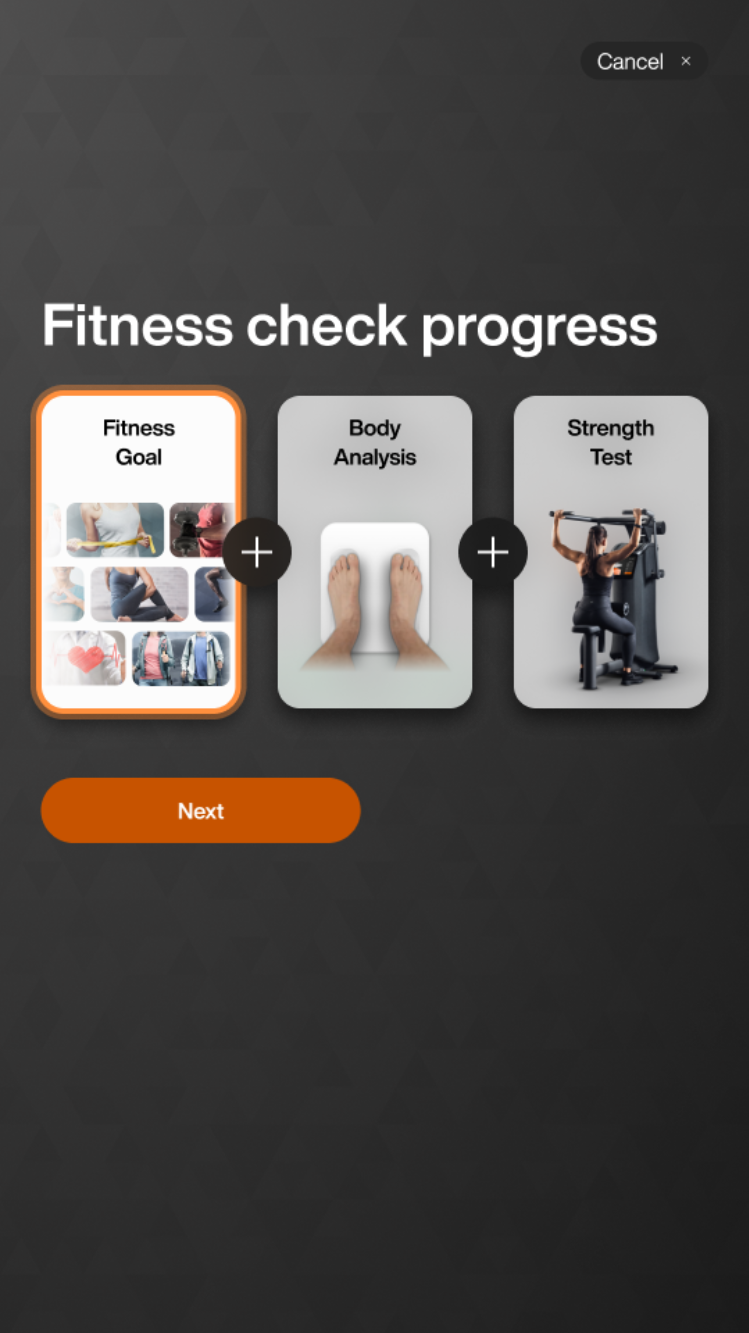
Uwaga
If you have already started your fitness check, the screen dynamically updates to show prior progress. For example: If you already completed your Fitness Goal, the screen will show a checkmark
Select your experience level:
Select your fitness goal:
Select how many times (1 - 7 days) a week you will work out.
Select the average duration (15 - 180 minutes) of each workout.
Select muscle groups for extra focus. Tap .
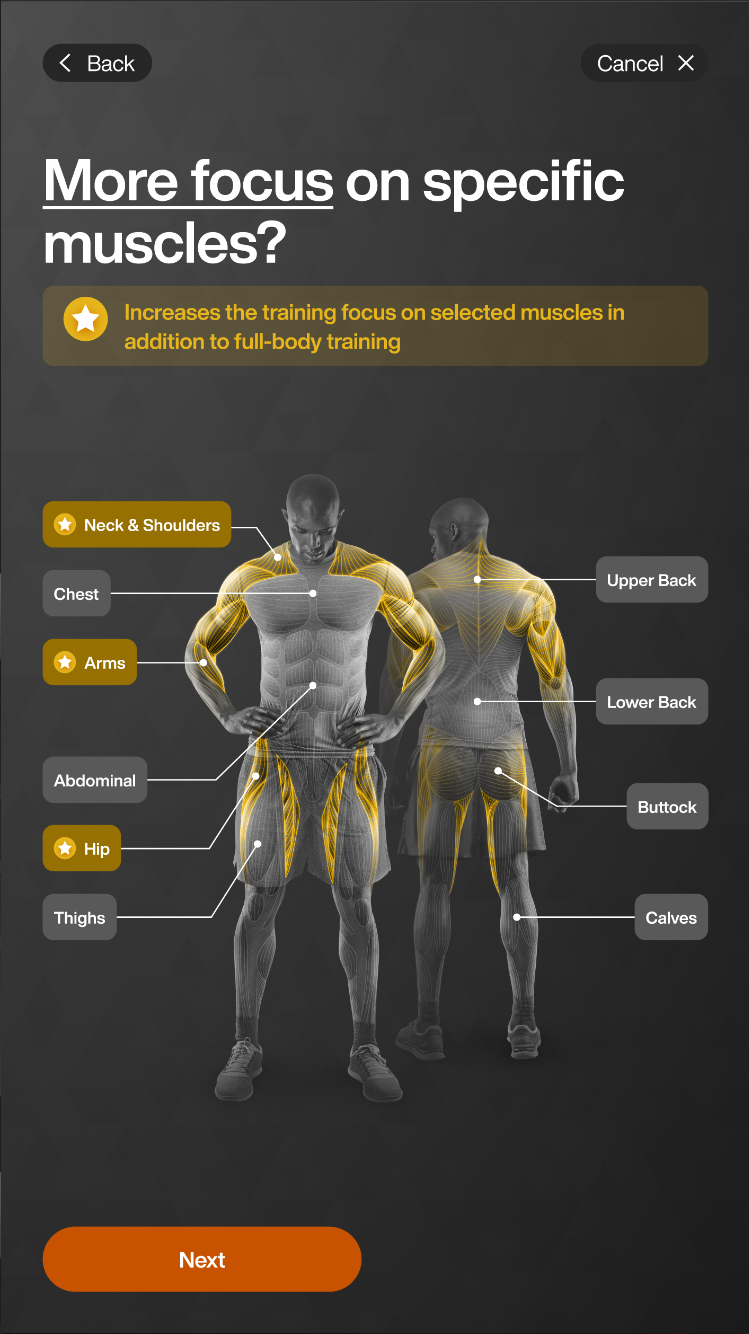
Uwaga
Genius training plans include all muscle areas by default.
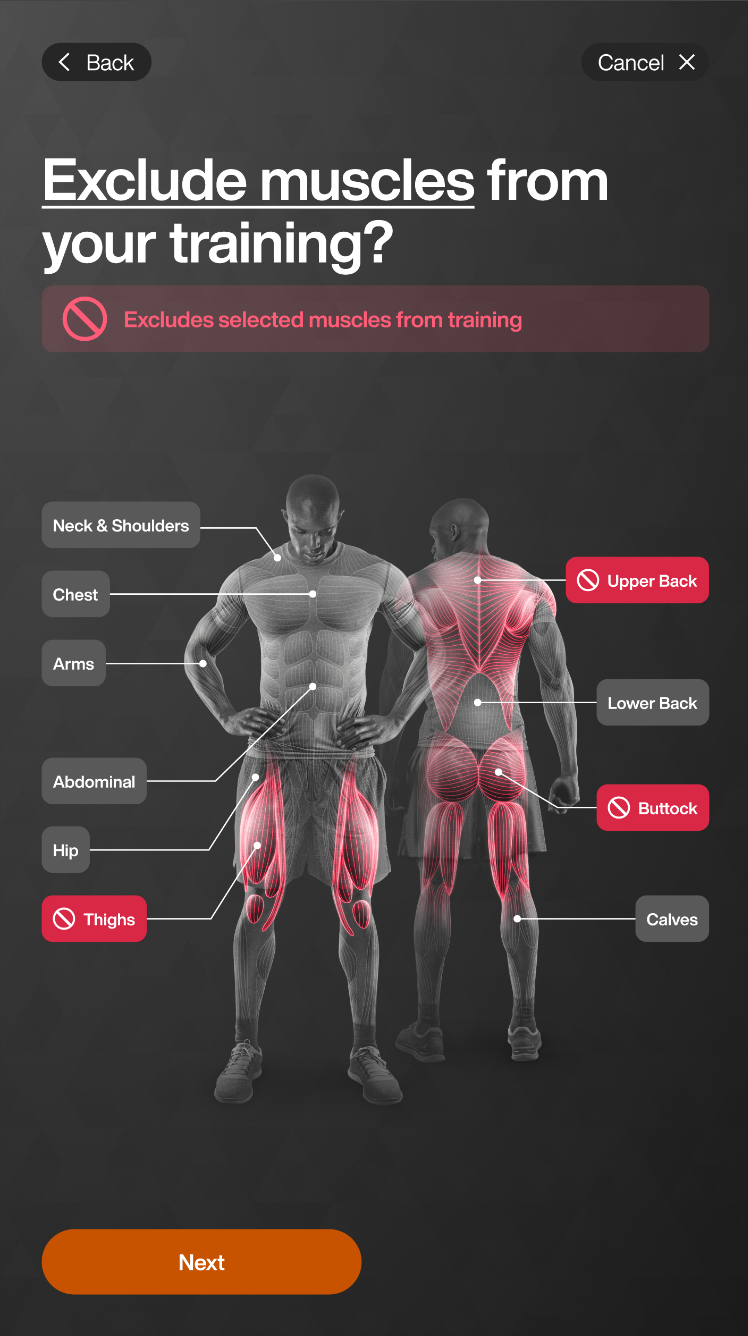
Select muscle groups to avoid. Tap .
Uwaga
Only exercises that primarily target the excluded muscle group will be removed from Genius training plans. Exercises that engage the muscle indirectly—where less than 40% of its capacity is utilized—will still be included.
For example, if you exclude Calves, exercises like calf raises will be omitted, but squats may still appear in the training plan.
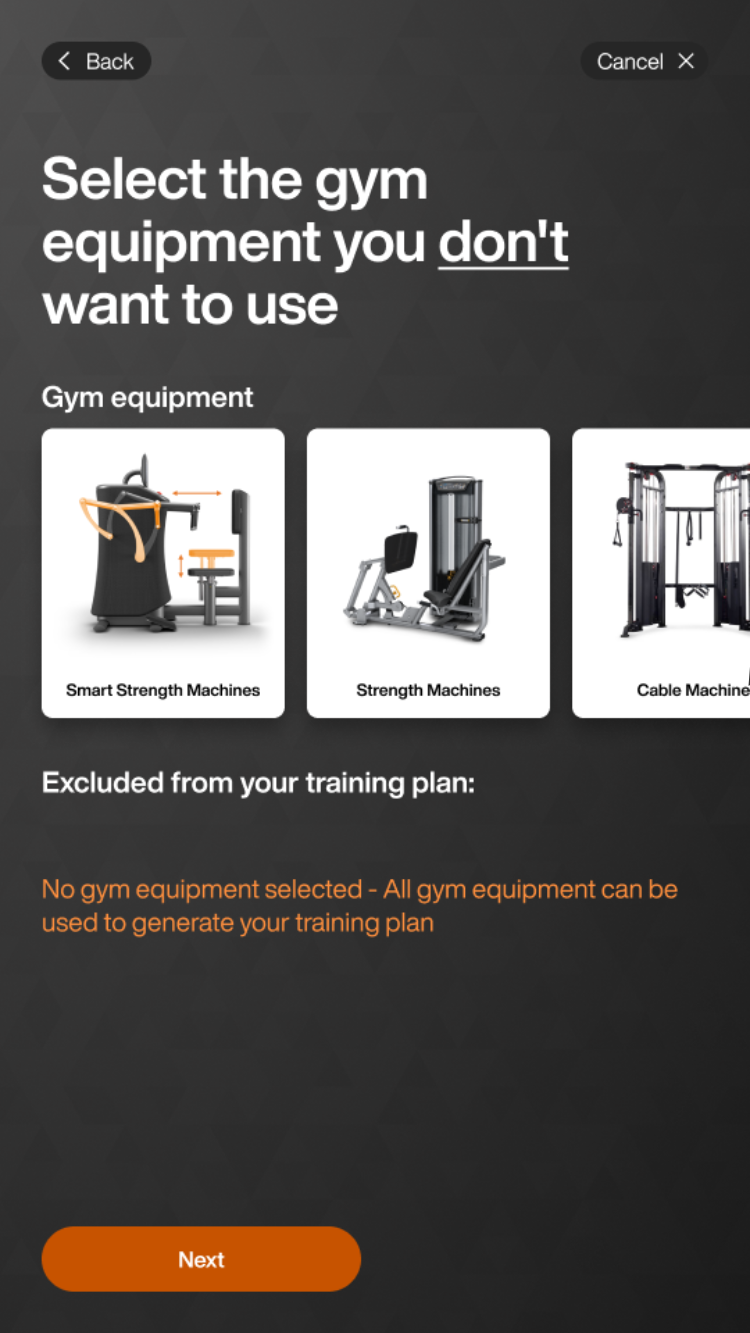
Select equipment to exclude. Tap .
Uwaga
Even if a member doesn’t have an EGYM+ membership, they will still get EGYM Smart Strength machines in their Genius training plans. To avoid this, you can exclude EGYM Smart Strength machines in this step.