Edit Genius training profile
You can update your Genius training plan preferences at any time in the app to better match your fitness goals, experience, and available equipment.
Launch the Wellpass app and go to .
In the Genius widget (), tap .
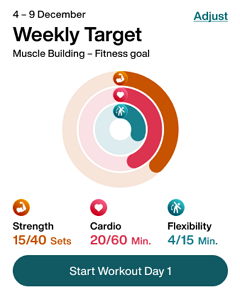
Change your training profile as needed.
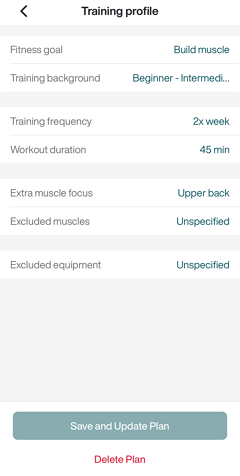
Tap .
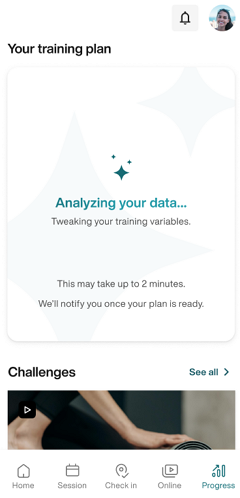
Genius will regenerate your plan according to the new preferences. You will get a notification once it's ready.
Uwaga
Make sure notifications are turned on in your device's settings. Otherwise, check back later in the app.