Use Genius plans
You can access your Genius workout plans directly on Smart Strength machines.
Bemærk
Create a workout using Genius AI before proceeding. Refer to the Genius AI documentation to get started.
Start your Genius workout in the Member app first. Tap under the section Your training plan.
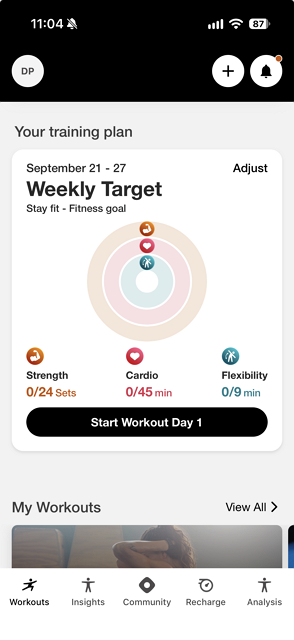
Log in to a Smart Strength machine. The workout that you started in the Member app launches.
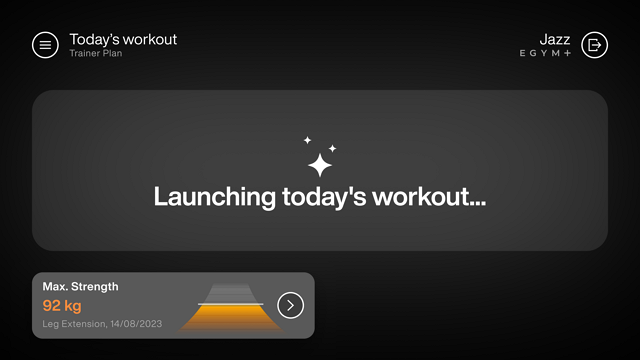
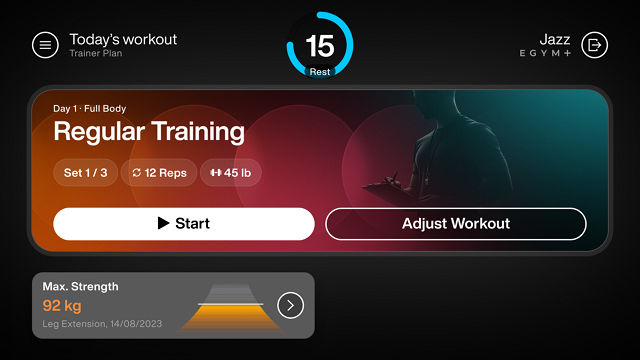
After the workout has loaded, the screen displays these elements:
The workout day
The name of the workout
Your currently set
Remaining repetitions
Weight
The selected training method
Tap to begin the workout.
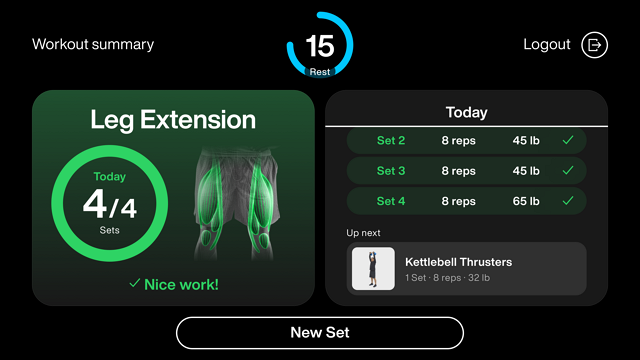
View progress cues on screen as you advance through sets.
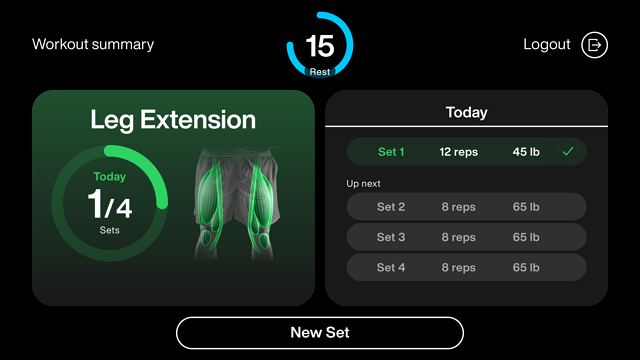
This screen displays:
A timer to track your rest
A summary of sets completed
A list of remaining sets
Tap to begin the next set.
View a workout summary of your workout when it is complete.
Bemærk
The screen displays the next workout on your Genius workout plan.
Additional resources