EGYM Genius: Fitness Hub Onboarding Guide
Introduction
About this Guide
This guide describes how trainers and members start the Genius onboarding process using the EGYM Fitness Hub. This guide is one section of the Genius Onboarding Guide that includes sections on Smart Strength, Branded Member App, and Trainer App.
Genius Overview
EGYM Genius uses AI to make the entire gym floor even smarter. Genius integrates leading fitness brands into a single training experience and creates hyper-personalized training plans for members that adapt to their goals, fitness levels, and all the equipment available in your gym.
Fitness Hub Overview
The EGYM Fitness Hub combines advanced 3D-imaging technology with machine learning-optimized software to enable efficient, self-guided member onboarding. It provides precise, self-service assessments, helping everyday health seekers measure and visualize results to remain committed to their long-term physical and health goals. By digitizing the management of member performance data and tedious manual operations like machine setup, the Fitness Hub also enables staff to dedicate their time to more value-adding human interactions with their members.
Onboard on the Fitness Hub
Members can complete the onboarding process in the EGYM Fitness Hub via the following steps. Alternatively, the member preference evaluation can also be conducted by trainers via the Trainer App (for gyms with Genius for Trainers or Genius for All).
Before you start
This flow covers one part of the Genius onboarding process. You need to complete the following steps before starting on Fitness Hub and additional steps using Smart Strength machines and the Member App or Trainer App.
You need to create a member account, which can be created from multiple sources:
pushed to EGYM via a Member Management System (MMS). The gym creates the EGYM ID for the member, who will have to finalize it by giving consent.
manually-created by the trainer in the Trainer App.
member-created on Fitness Hub.
member-created via the Member App. (Some customers may have app login with MMS credentials and need to go to activate the EGYM account).
You need an Radio Frequency ID (RFID) or Near Field Communication (NFC) pass (enterprise only) to login.
Next Steps
Conduct Strength Tests
You can now continue onboarding by going to any Smart Strength machine to conduct a strength test. You must complete at least one strength test to be able to generate a training plan. EGYM recommends 4 strength tests in order to receive the most accurate training plan. For more information go to EGYM Genius: Smart Strength Onboarding Guide.
Generate Training Plan
Depending on whether your gym implemented Genius for Members, Genius for Trainers, or Genius for All, the process to generate a training plan will differ.
Genius for Members
Login to Fitness Hub.
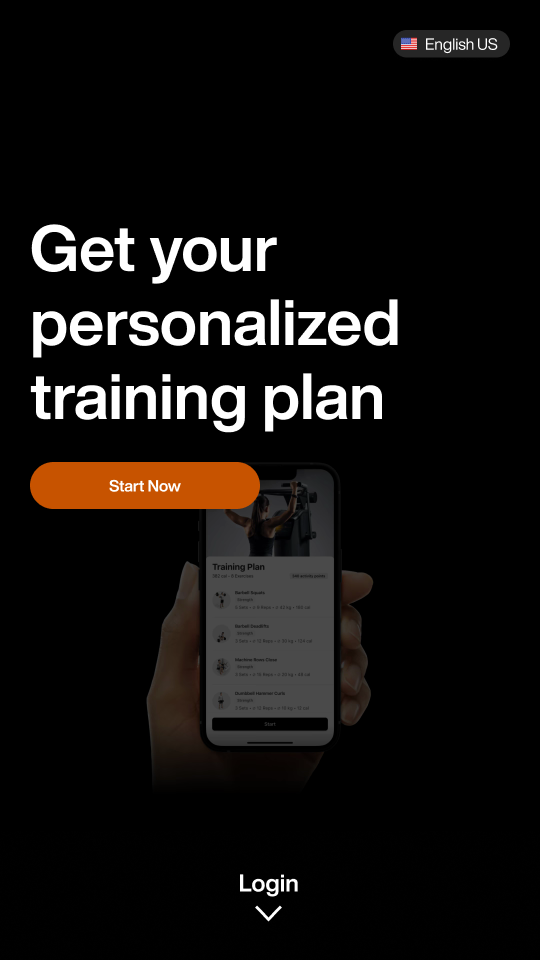
Tap Continue.
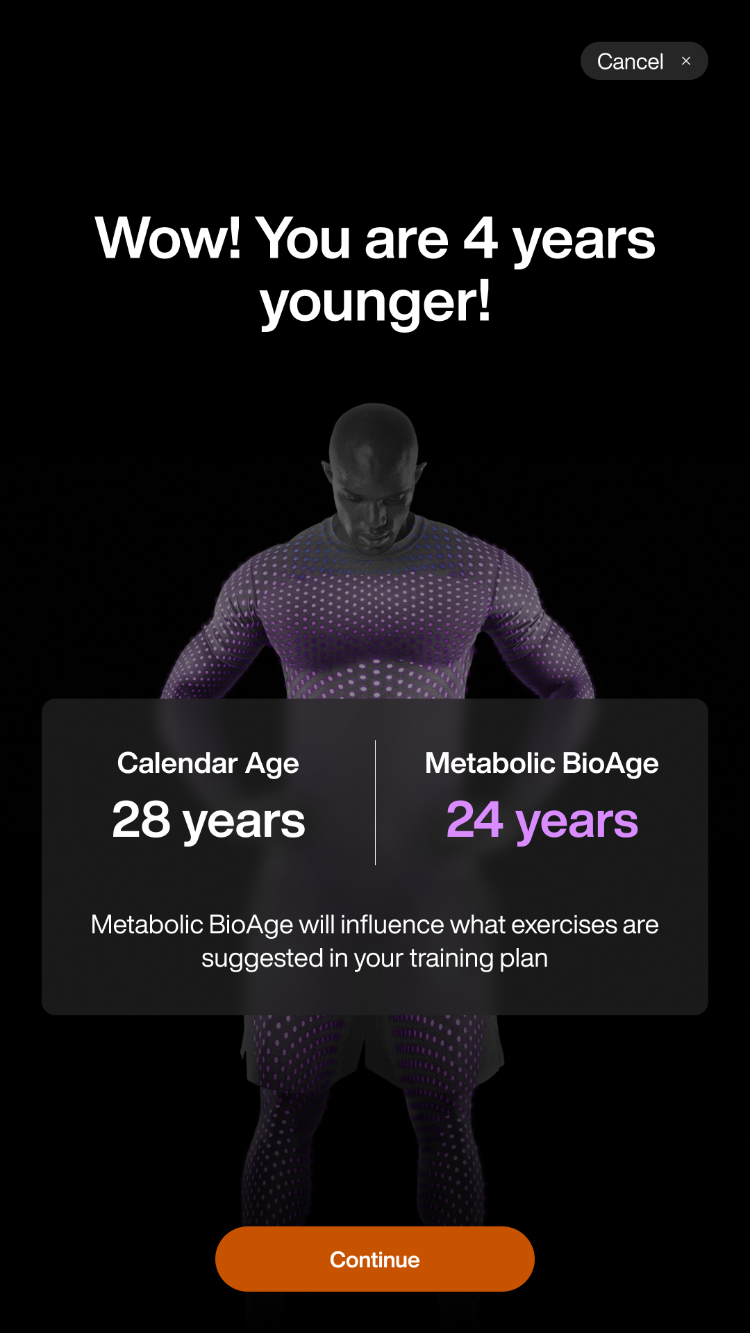
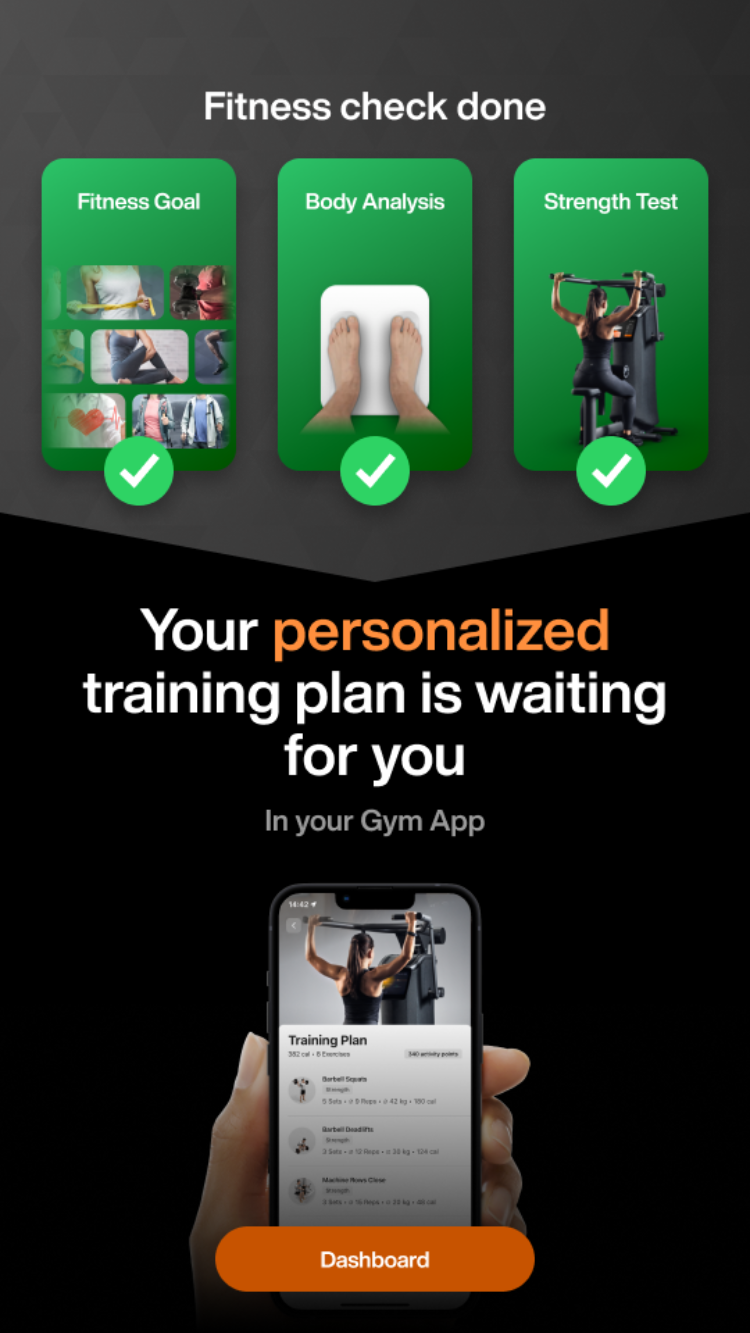
Note
You will only see these screens if you have completed at least 1 strength test. If you have not completed the strength tests and click Generate Training Plan, you will be prompted to complete a strength test.
Tap Logout.
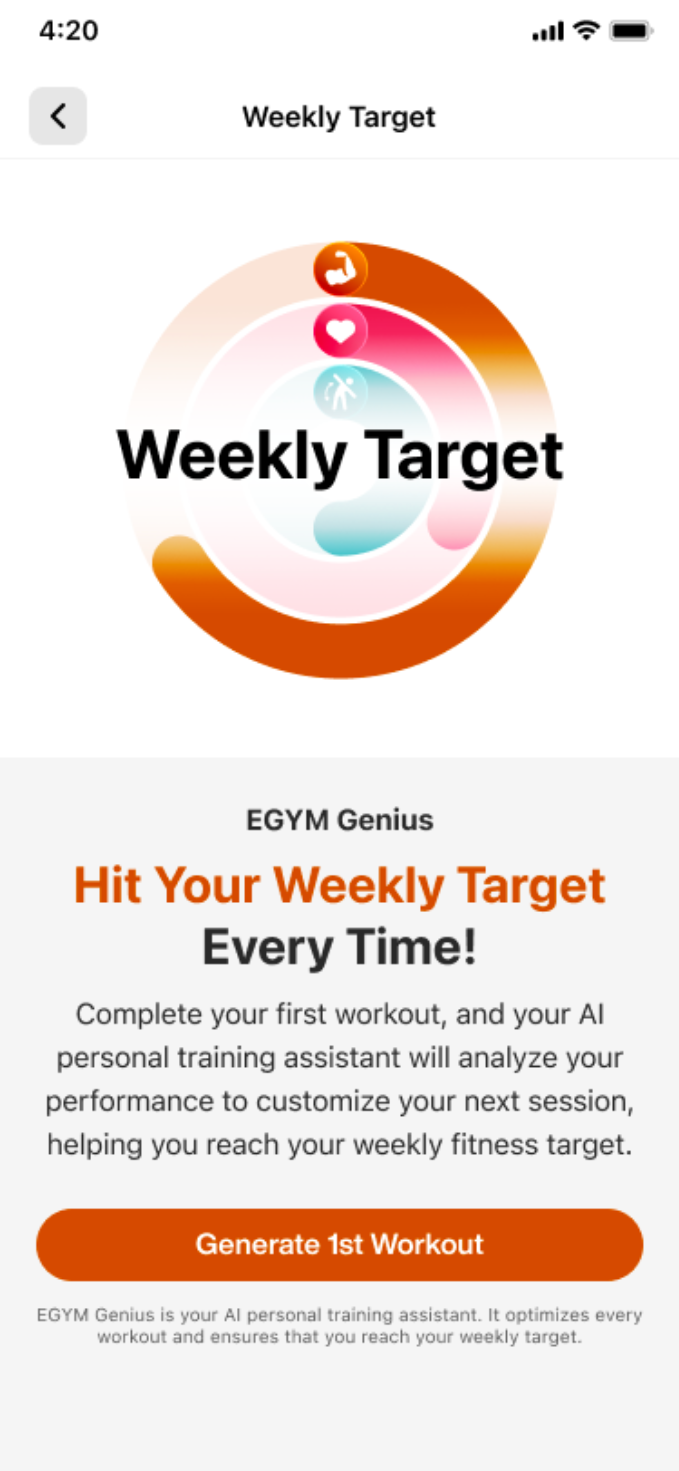
Login to the Branded Member app and select Get Plan.
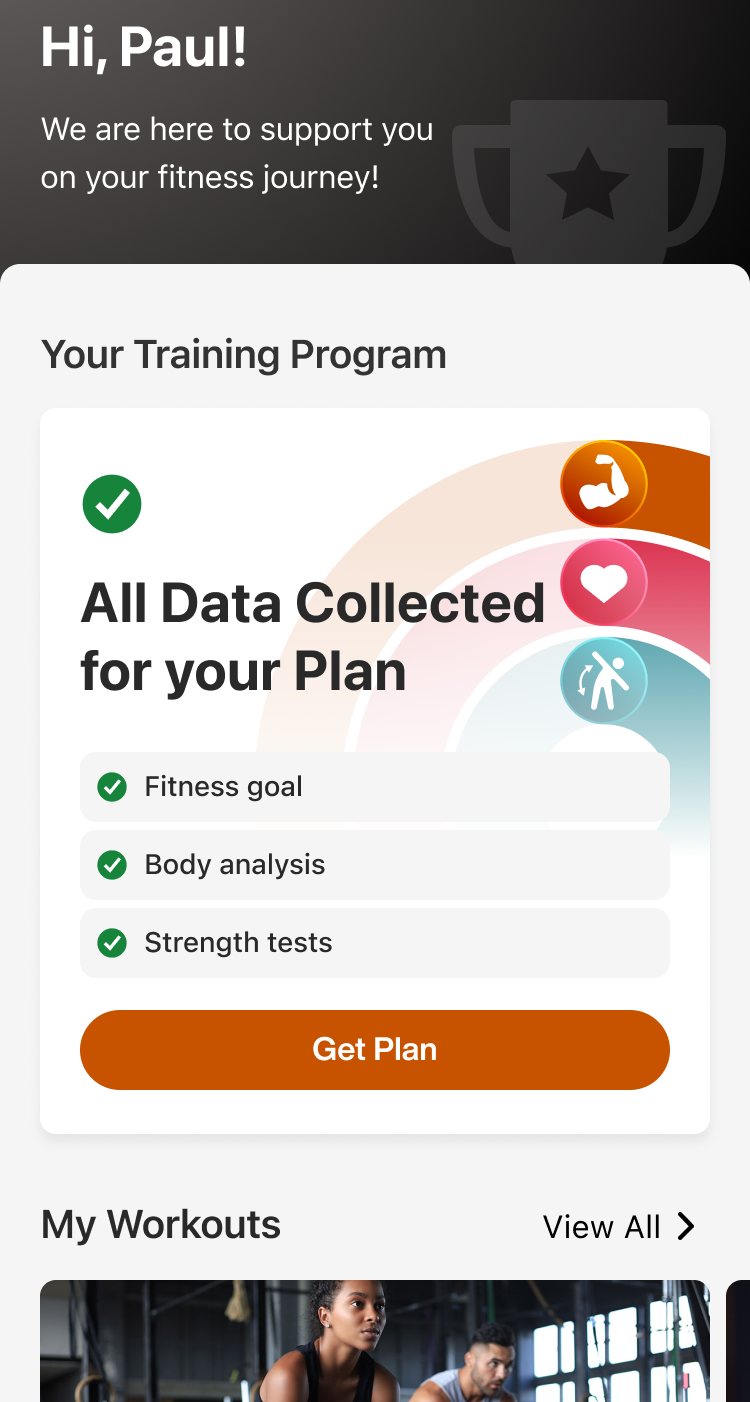
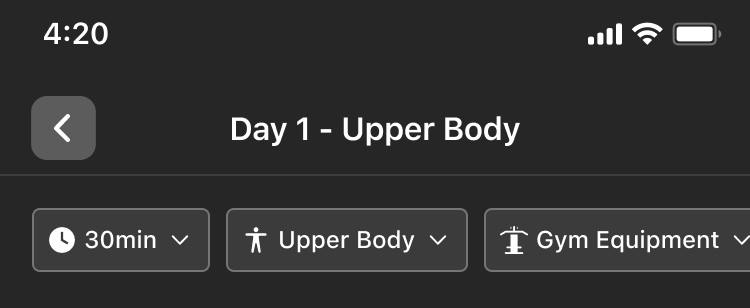
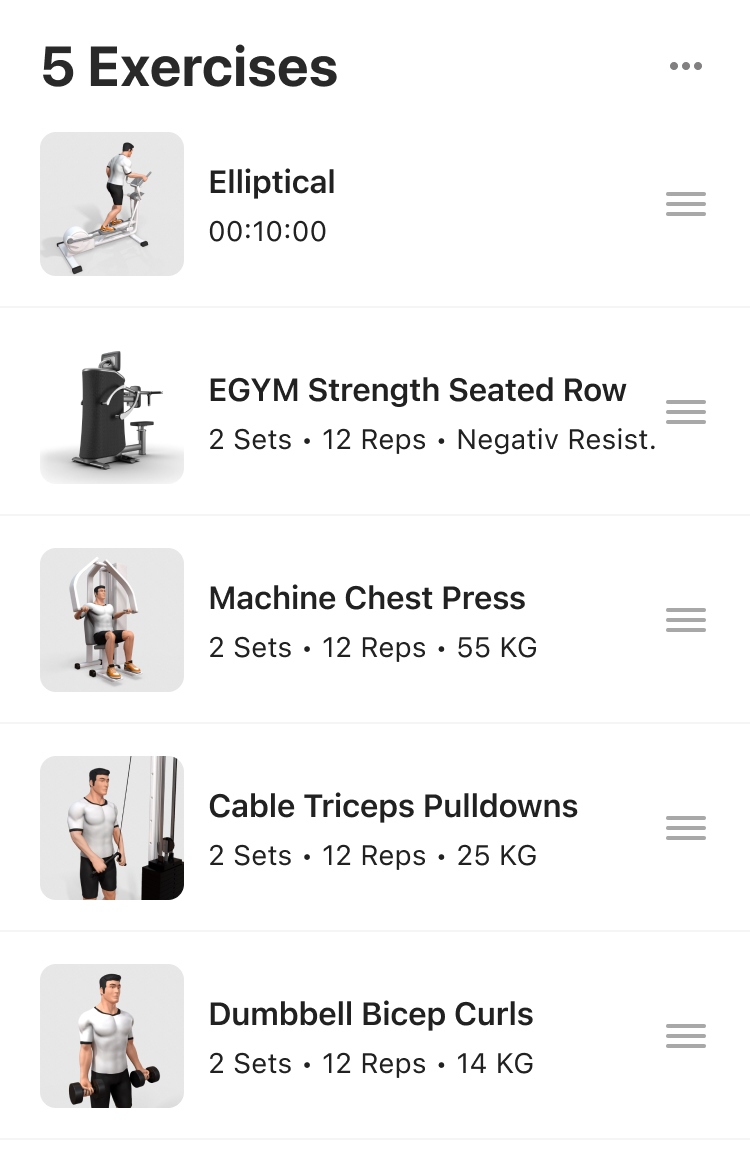
Tap Generate 1st Workout.
Genius for Trainers
The trainer logs in to the EGYM Trainer app to review the members fitness details summary. The trainer has the option to edit any field and then clicks Generate AI Plan. The trainer can edit, remove, or add any exercise in the plan. The trainer shows the member how to access the training plan in the Branded Member app and explains it.
Genius for All
If your gym implemented Genius for All, you have the option to follow either the Genius for Members or Genius for Trainers flow. You can also combine the two.