Do strength tests on Smart Strength
First time guidance
Log in to an EGYM Smart Strength machine.
Poznámka
If you have already used this machine but did not complete a strength test, you will go directly to the strength tests.
If you have already used this machine and completed a strength test, you will go directly to the pre-workout screen where you can select Start Workout.
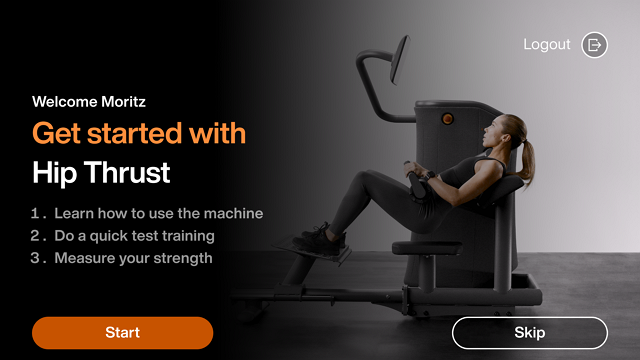
Select Start to learn how to use the machine.
Poznámka
Select Skip to go directly to the test training (Step 4).
Follow the on-screen guidance and tap Next until you reach the test training screen.
Select Start to begin the test training.
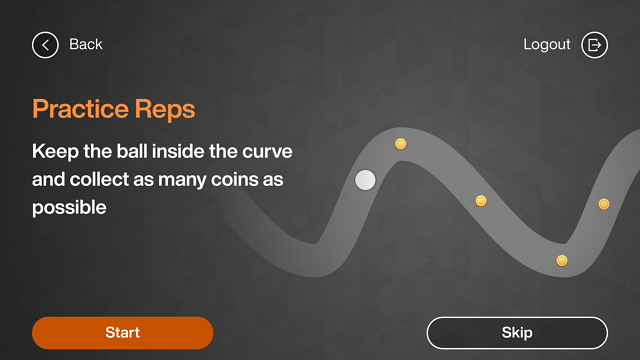
Follow the on-screen guidance and tap Ok.
Poznámka
You must complete at least 3 reps in order to proceed to the next step.
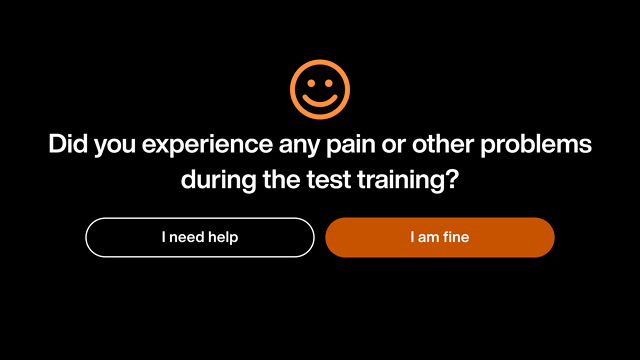
Select I am fine. Then you will proceed to the strength test.
Poznámka
If you select I need help, you will be prompted to contact a trainer.
Do strength tests
Tap Start to conduct 3 strength tests in order to determine your optimal training weight.
Poznámka
You only need to complete 3 strength tests the first time to determine the correct training weight for Smart Strength machines and other strength exercises. If you cancel during one of the three test repetitions, you need to start the strength tests again. You are only required to complete all 3 strength tests if:
you do not have a strength test on the machine.
you did not generate a Genius training plan yet (only relevant for Genius for Members).
Once you have a strength test result saved, you can perform single strength tests.
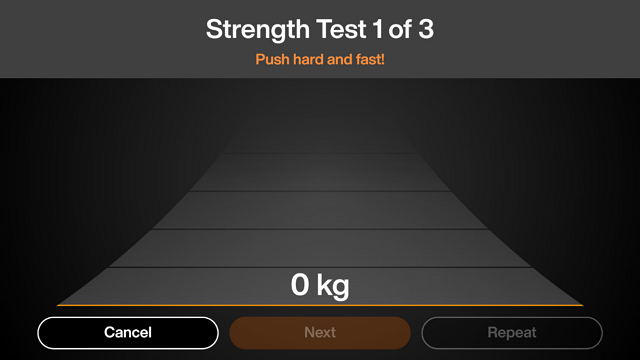
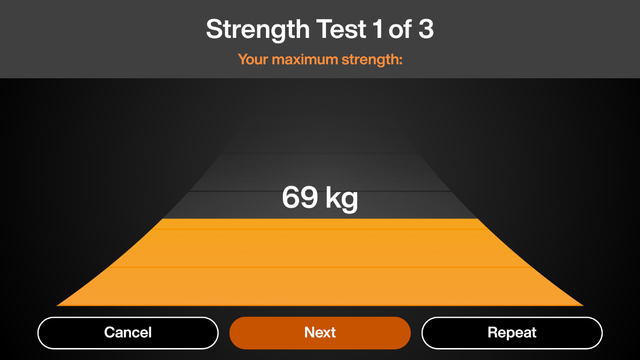
(Push, pull, push up, push down, push back) as hard and fast as you can and select Next.
Poznámka
You have the option to Cancel or Repeat the test. If you cancel, you will not complete the strength assessment and you will be prompted to begin again at the next login.
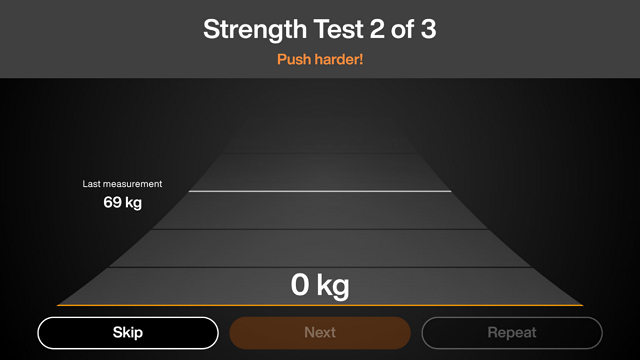
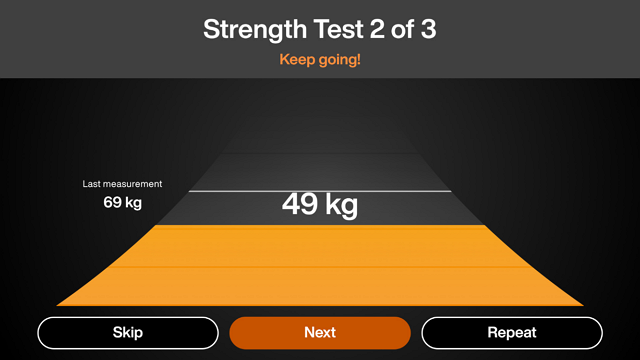
(Push, pull, push up, push down, push back) as hard and fast as you can and select Next.
Poznámka
You have the option to Skip or Repeat the test.
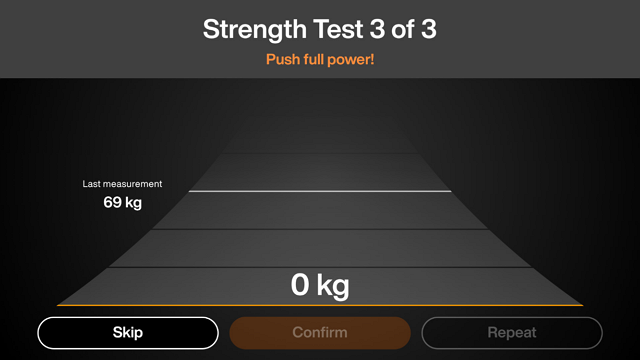
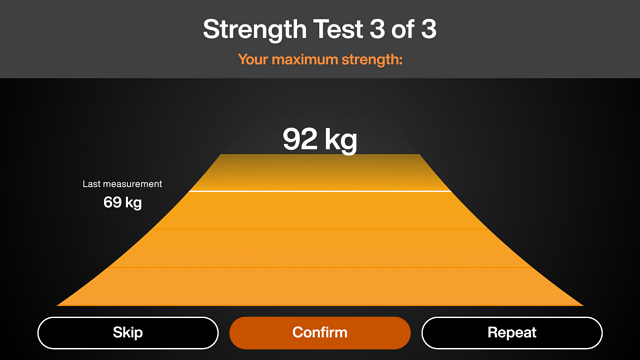
(Push, pull, push up, push down, push back) as hard and fast as you can and select Confirm.
Poznámka
You have the option to Skip or Repeat the test.
Select No > Got It.
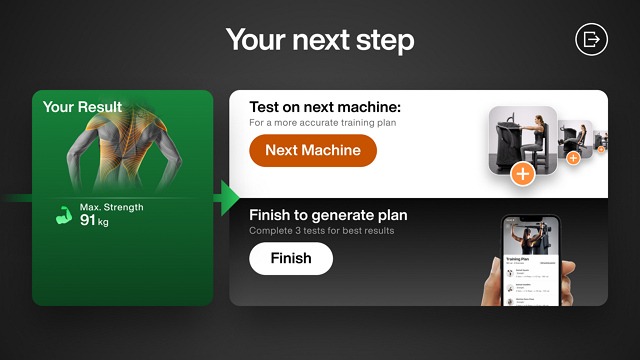
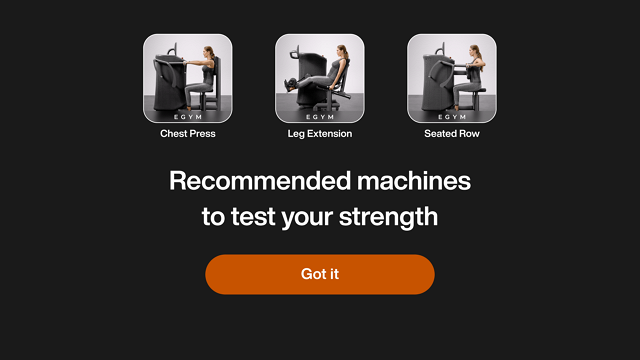
Go to the next Smart Strength machine and log in to complete your second strength test. Then go to another Smart Strength machine to complete your third strength test. After you complete 3 strength tests on different machines, select Finish.
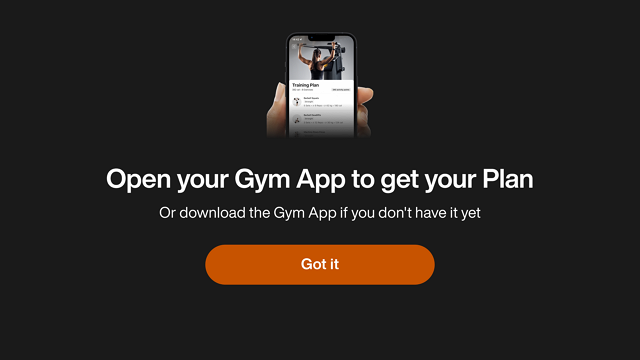
Click Got it and then log in to the Branded Member App. The machine logs out.
Poznámka
You can now work out on the Smart Strength machine.
Once you have completed the Genius training plan, the forced flow is no longer enforced on the other machines, except when your gym uses the Genius for Trainers configuration.