Choose a gym
On your mobile device, launch the Wellpass app and go to .
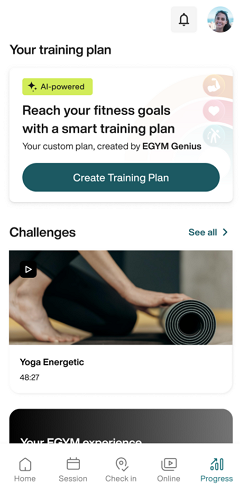
Under Your training plan, you'll see the Genius AI widget. Tap .
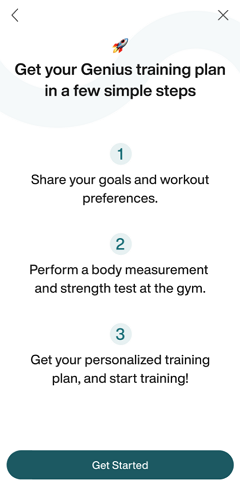
Tap to go through the intro screens. Then, accept the privacy policy, review the setup steps, and tap .
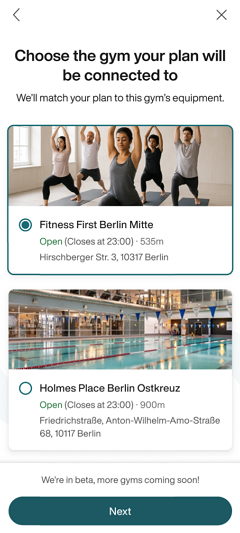
Tap . Allow location services to see the Genius-compatible gyms nearest to you.
Select a gym and tap .
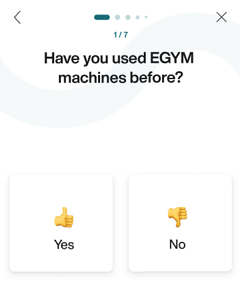
Answer whether or not you've used EGYM Smart Strength machines. If you haven't, you'll see a quick introduction screen.
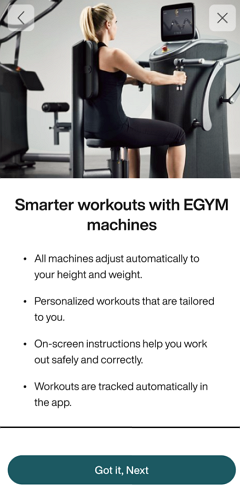
Continue to Fill out training profile.