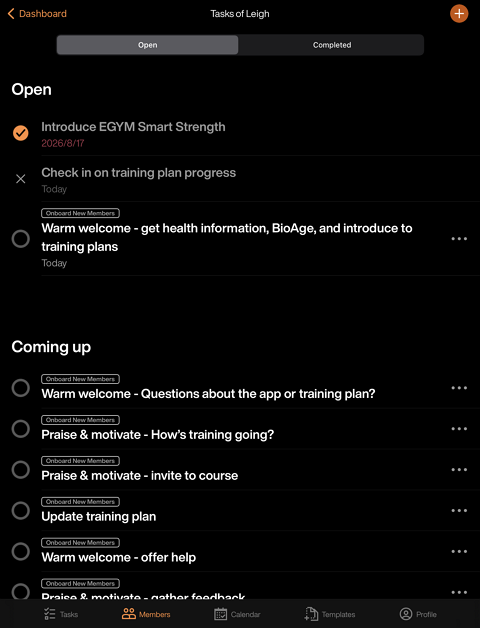
Assign task chains to members
Once a task chain is created, trainers can assign them to individual members, groups of members, or all members in the gym.
Note
In case of any unintentional assignments, utilize the button. This shows for the first 15 seconds after performing an action to allow you to revert if needed.
Launch the Trainer App and go to .
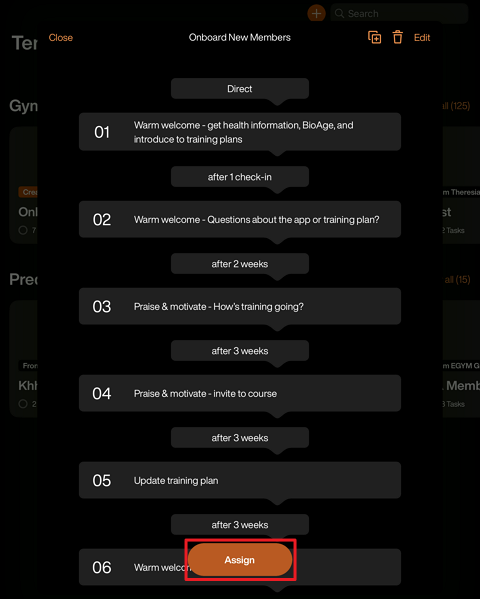
Select the task chain you want to use.
Tap and select the members you want to assign the task chain to. Once ready, tap .
The first task will appear on the members' profiles or the page in the Trainer App, depending on the task chain trigger settings.