Generate training plans
Launch the EGYM Trainer App and go to .
Search and tap to select a member.
Tap .
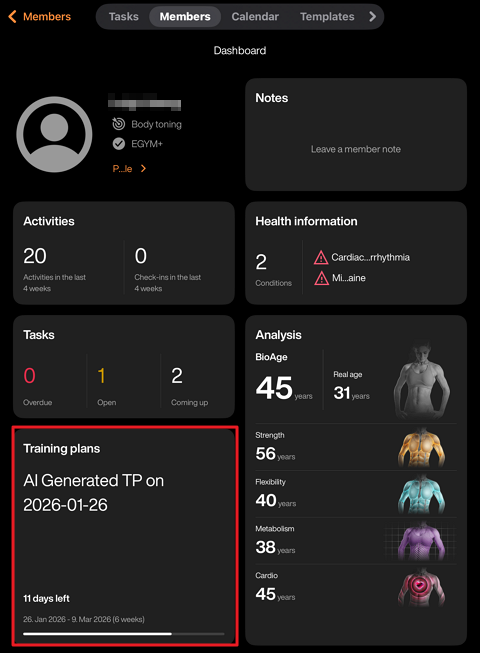
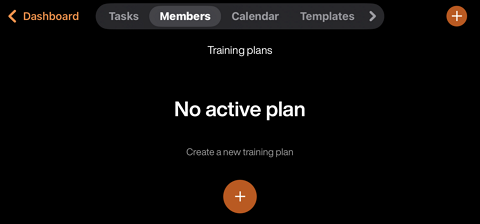
Tap the + icon in the middle of the screen. Or, tap the + icon in the top right and then tap .
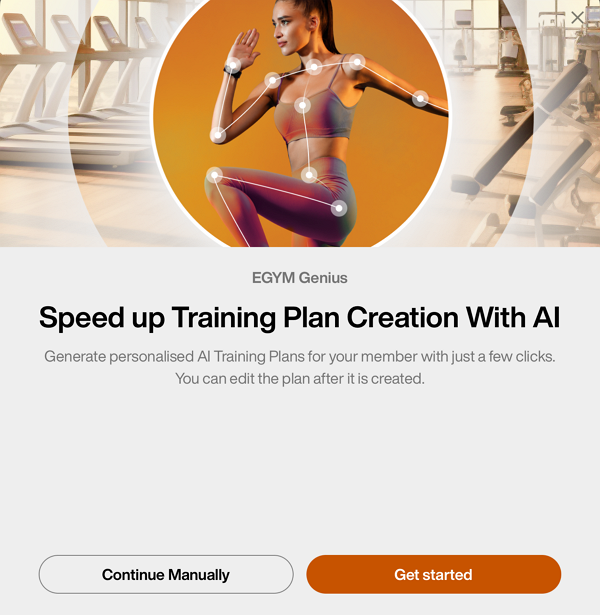
A pop-up will appear. Tap .
On the member's Training profile, you can update the member’s , as well as other preferences.
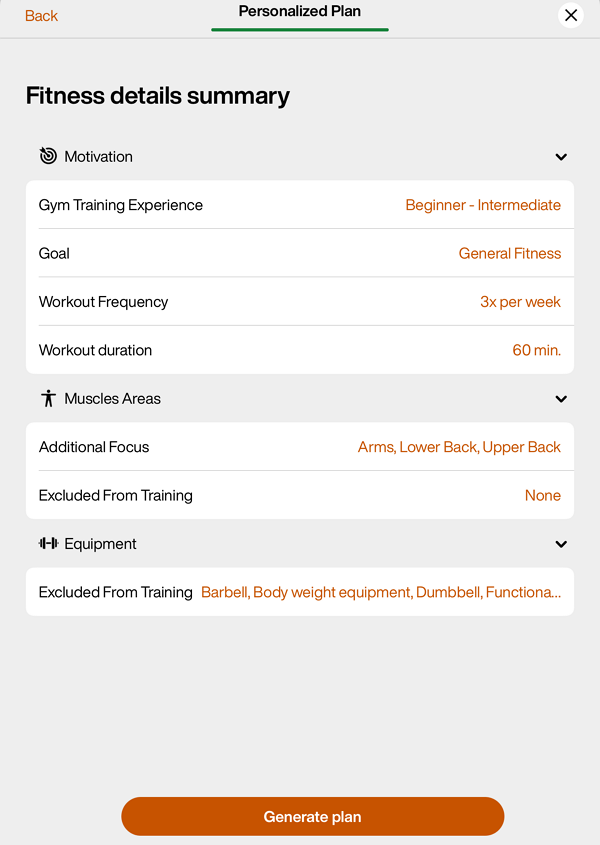
Once done, tap .
Edit the training plan as needed.
Tap to assign the plan to the member.