Staff
In the Business Suite > > , operators can do the following:
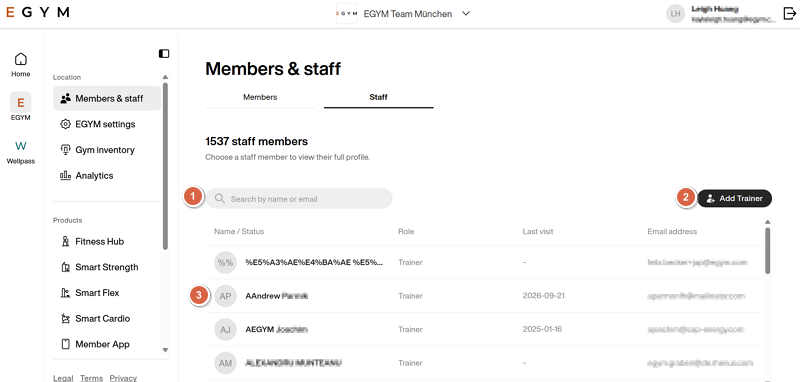
Search for and view trainers: Use the search bar and click on a trainer to view them.
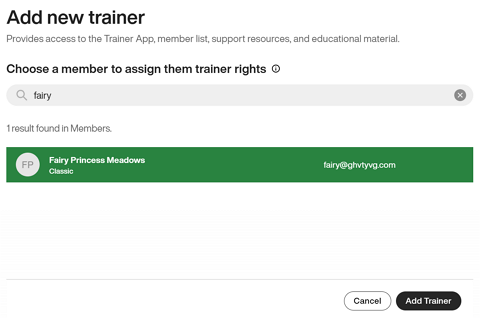
Add trainers: Give an existing member account trainer rights for your gym.
Click , select an existing member account, and click .
Note
Trainers do not automatically get administrator access to the Business Suite. If you want to give someone administrator access, contact EGYM support.
Revoke trainer rights or remove trainers: Select a trainer and click one of the following buttons:
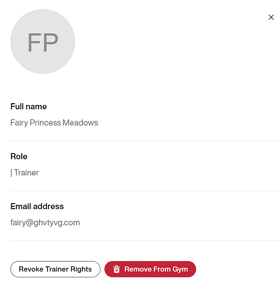
: This removes trainer rights from a trainer, reverting them to a member account at your gym.
: This removes the account entirely from your gym.