Community
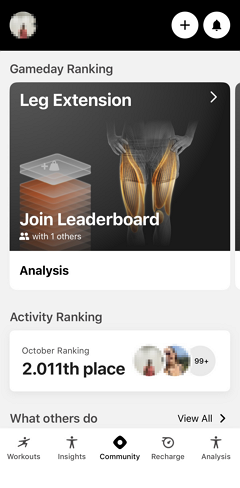
Community connects you with other members at your gym by sharing workout activity and celebrating fitness achievements together. Through Community, you can view what others are doing, track your own activity, see how you rank, and control your privacy settings.
Privacy Settings
You can enable or disable the visibility of your profile and activity in your settings. This allows you to control whether others can see your workout activity and whether you can view other members' activities.
To adjust your privacy settings:
Go to .
Select .
Tap .
Turn sharing on (to allow others to see your activity) or off (to hide your activity from the community).