The training plans generated by Genius seem off or unrealistic for my members. What can I do?
Launch the EGYM Trainer App:
Go to .
Search and tap on the member you want to view.
Tap the category.
Tap the category. Here, you can see the history for the overall strength tests.
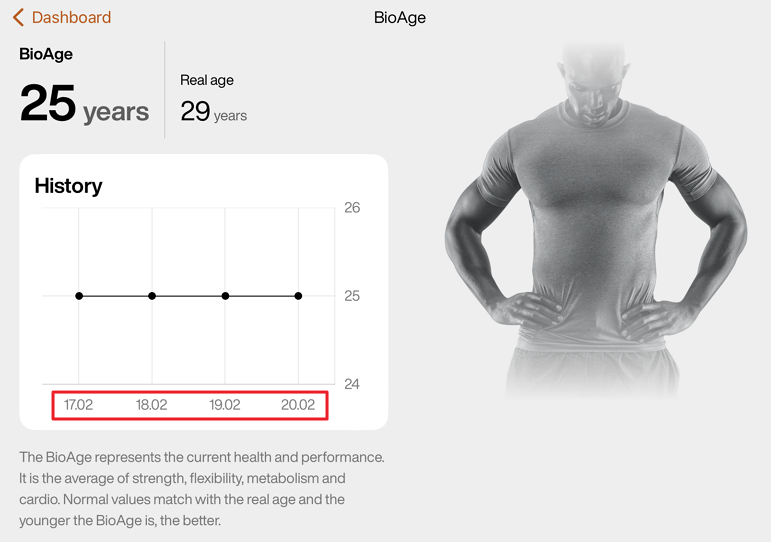
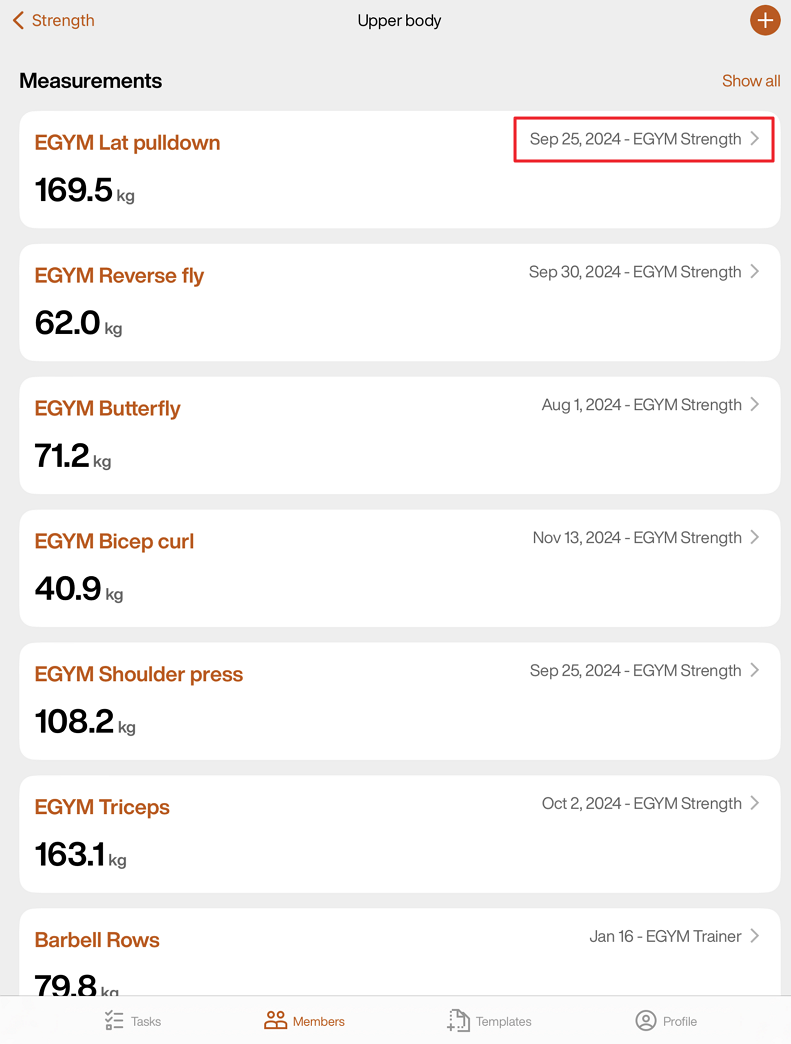
On the same page, select a Body region (e.g., Upper body, Core), and scroll down to Measurements. Here, you can check each strength test measurement to see if they are up-to-date.
Open the EGYM Business Suite:
Go to > .
Make sure the correct equipment or machines are added.
If the issue still persists after trying these steps, reach out to us by filling out our contact form.