Eccentric Training
Eccentric training targets the lengthening phase of a movement, when the muscle resists a load while stretching. For example, slowly lowering the weight during a biceps curl, or easing down into a squat, emphasizes the eccentric phase. In this phase, the muscle resists the load as it lengthens. Regular eccentric training can help you lift heavier weights over time and may improve balance and form. It also loads joints and tendons in a controlled way, which may help reduce injury risk.
Note
Complete a strength test before your first workout so EGYM can personalize your training weight.
Tap Eccentric. To learn how to change the training method, refer to →Change Training Settings.
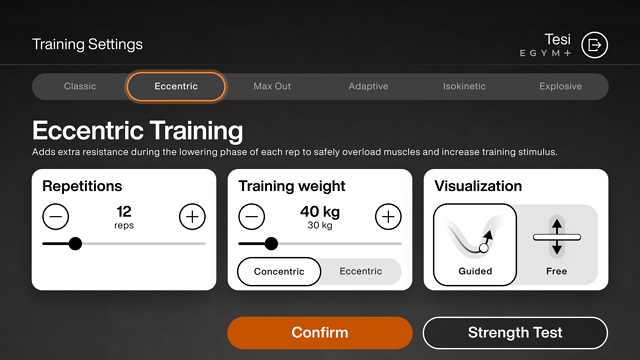
On this screen, choose the number of reps, the training weight, and the visualization you want to use during your workout. You can only adjust these settings in Individual Mode.
Tap to select the training method.
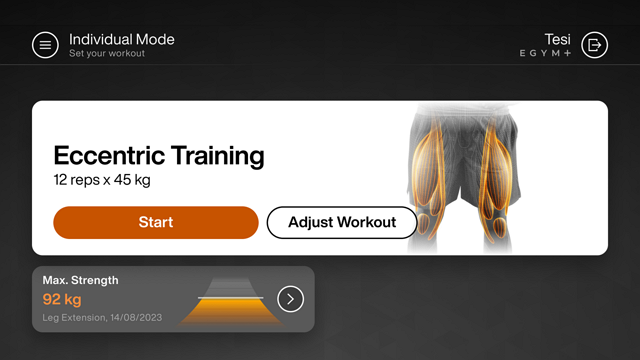
Tap Start. to start exercising.
The EGYM Curve
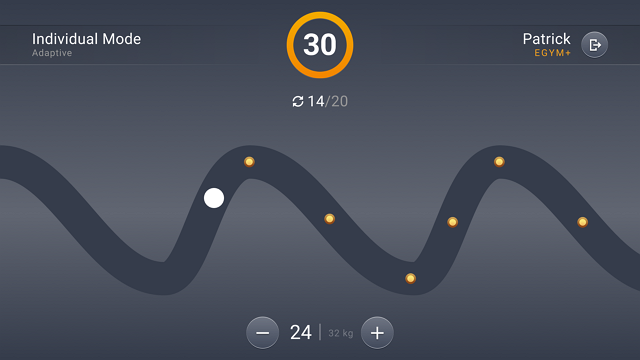
The screen displays these elements:
A timer at the top of the screen
A counter that tracks completed repetitions
The EGYM Curve - Follow the path on the screen collecting coins as you complete each repetition.
The weight setting that you can adjust manually
The EGYM Bar
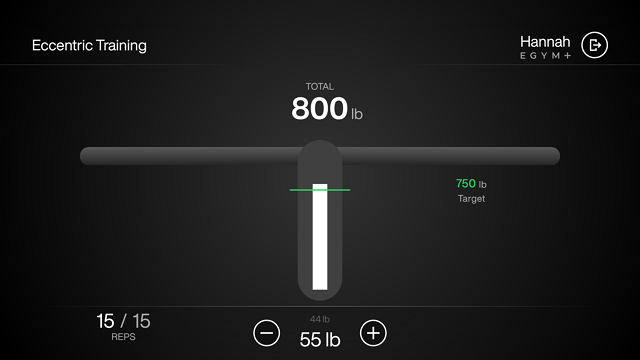
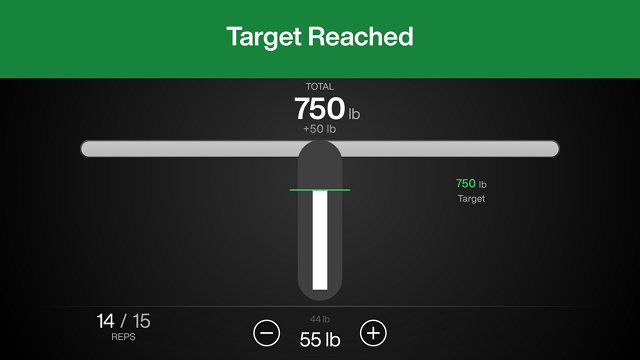
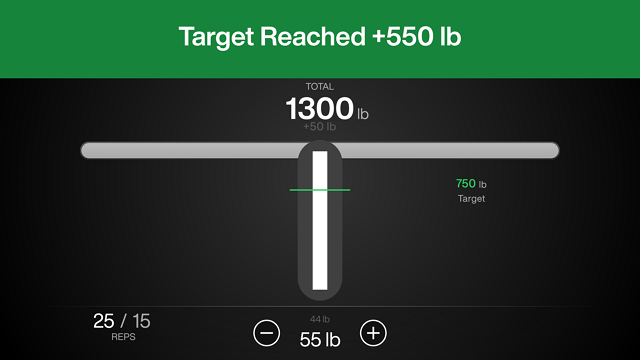
The bar on screen raises and lowers matching your physical movement. The screen also displays the total current weight lifted, your target, and the number of complete repetitions.
The screen displays a notification when you have reached your target.
If you exceed your target weight, the system shows you how much extra you have lifted.
Note
The session times out automatically after 10 seconds of inactivity.