Members
Anmerkung
Member accounts cannot be created on this page. Members shown on this page are added via one the following methods, depending on your setup:
In the Business Suite > > , operators can do the following:
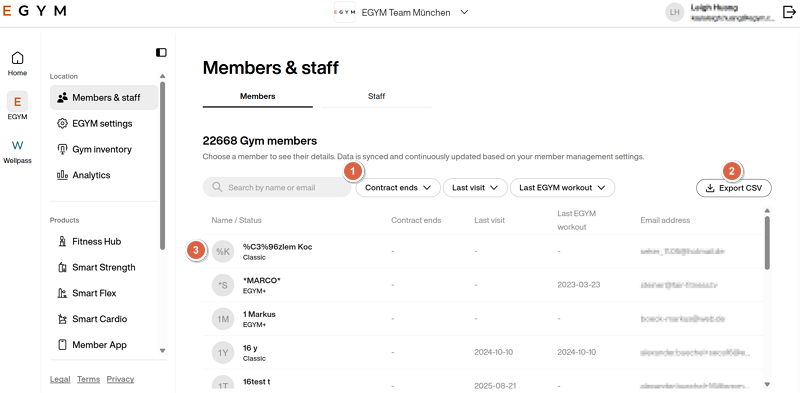
Search for and view members: Use the search bar or filters. Click on a member to view them. You can filter results by the following items:
When their contract ends
When their last visit to the gym was
When their last workout on EGYM machines was
Export a CSV file for detailed analysis: The data in the exported file includes available member details, such as name, gender, EGYM status, user and account ID, and more.
Anmerkung
Any filters you apply will be applied to the exported CSV file.
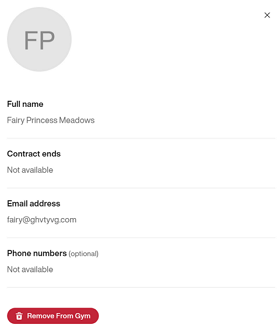
Remove members from gym: Select a member and click and click to confirm.