Configuring the leaderboard
Log into the Business Suite.
Select > > Gameday
Select the units and language the leaderboard should display.
Save your changes.
Use the URL under Leaderboard Link to view the leaderboard.
Gastmodus voor Gameday
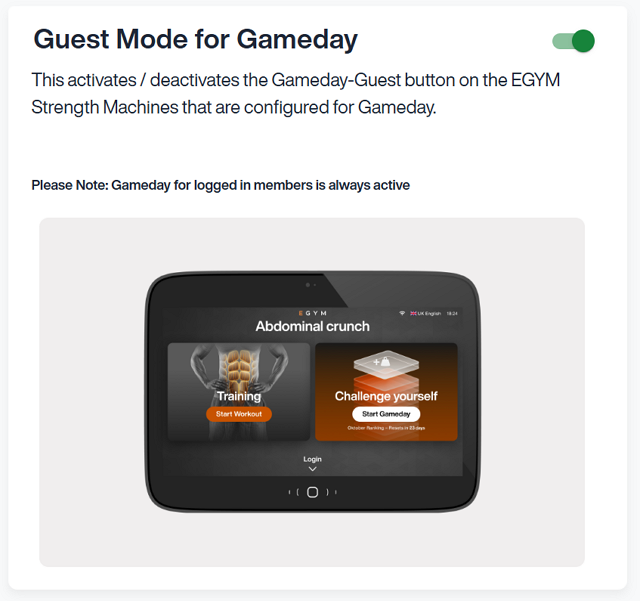
Gameday is actief op Smart Strength-toestellen voor ingelogde leden. Faciliteitseigenaren die Gameday beschikbaar willen maken voor gastleden moeten eerst de gastmodus activeren in de Business Suite.
Om de Gastmodus voor Gameday te activeren:
Log in to the Business Suite.
Select > > Gameday.
Turn on Guest Mode for Gameday.
Resetting Gameday
Gameday automatically resets on a monthly cadence by default. At times you will need to manually reset Gameday to clear outdated information or for troubleshooting.
Follow these steps to reset Gameday data:
Log in to your Business Suite account.
Select > > .
Tap .
Opmerking
Resetting Gameday will clear all current leaderboard data and member rankings. This action cannot be undone.