Upselling
Gym operators can restrict members' access to advanced features, such as body analysis on the Fitness Hub. Members can gain access directly from a trainer, or by scanning a custom QR code. On the Upselling page in Business Suite, you configure how to guide members to gain access.
Opmerking
To activate the upselling feature, contact your EGYM Customer Success Manager. After activation, use the Business Suite to configure what members see on the Fitness Hub.
Configure what members see
Click EGYM settings > Upselling in the Business Suite.
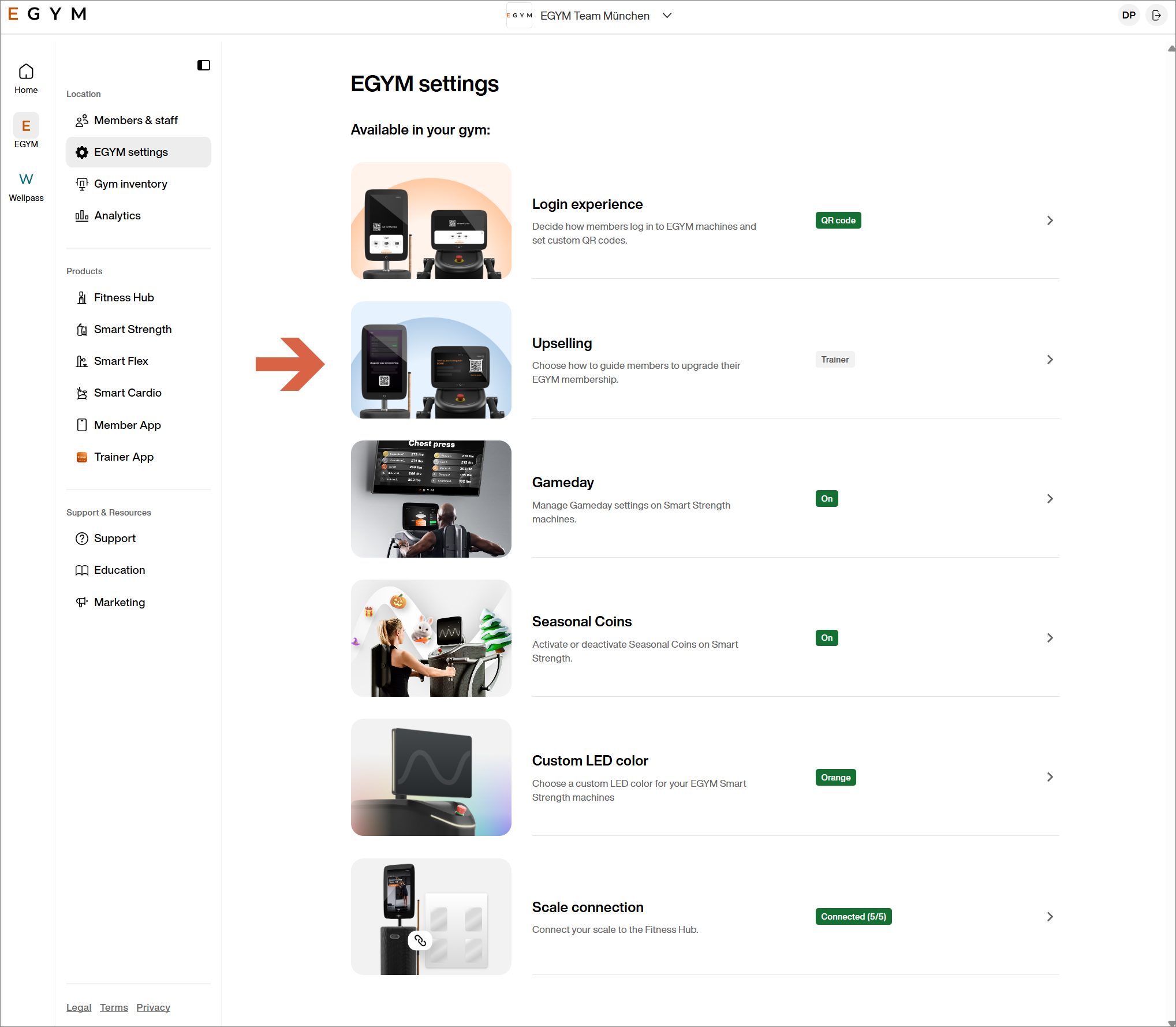
Choose one of the following options:
Trainer required With trainer-required access, a trainer generates a code that the member uses to log in. This access is valid for the current session only, which suits members who need the features occasionally. Members must ask a trainer for a new code at each login.
Custom link QR code You specify a URL. Members scan a QR code that links to it to log in. Members keep access at every login, which suits gyms that prioritize self-onboarding.
Tap Save Changes.