Vul trainingsvoorkeuren in
Opmerking
Deze reeks behandelt de algemene stappen voor Genius for Trainers, Genius for Members en Genius for All.
Log in op de Fitness Hub met je RFID- of NFC-pas.
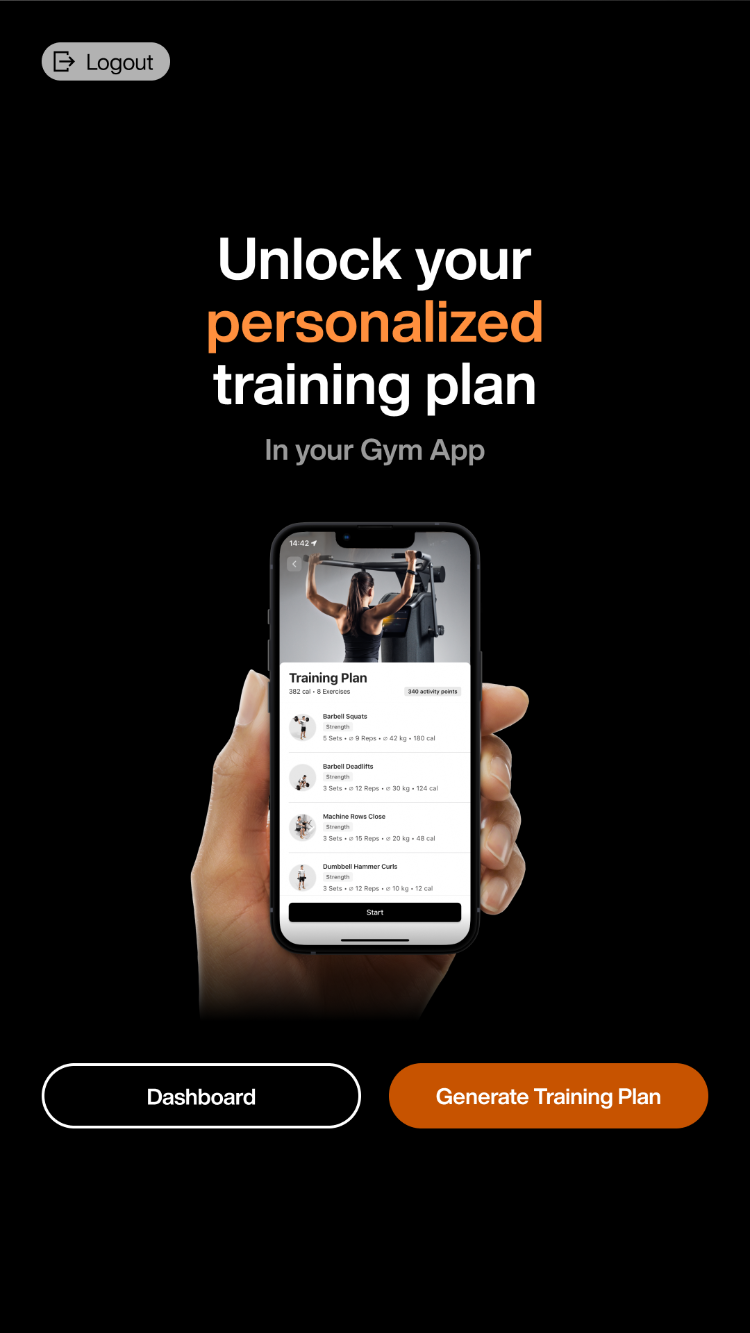
Tik op Trainingsschema genereren.
Opmerking
Je kunt deze pagina ook bereiken via het Dashboard. Klik op Dashboard > Slimme Onboarding > Gepersonaliseerd trainingsschema > Onboarding starten.
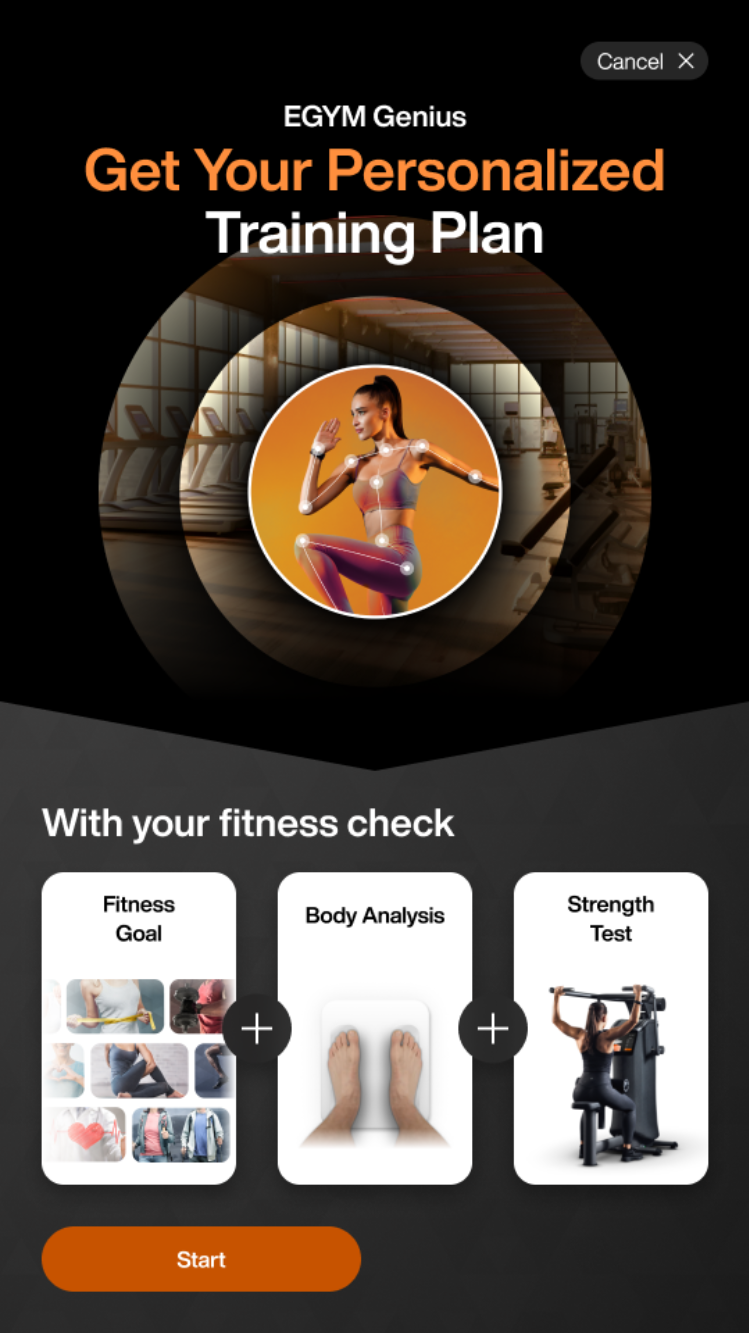
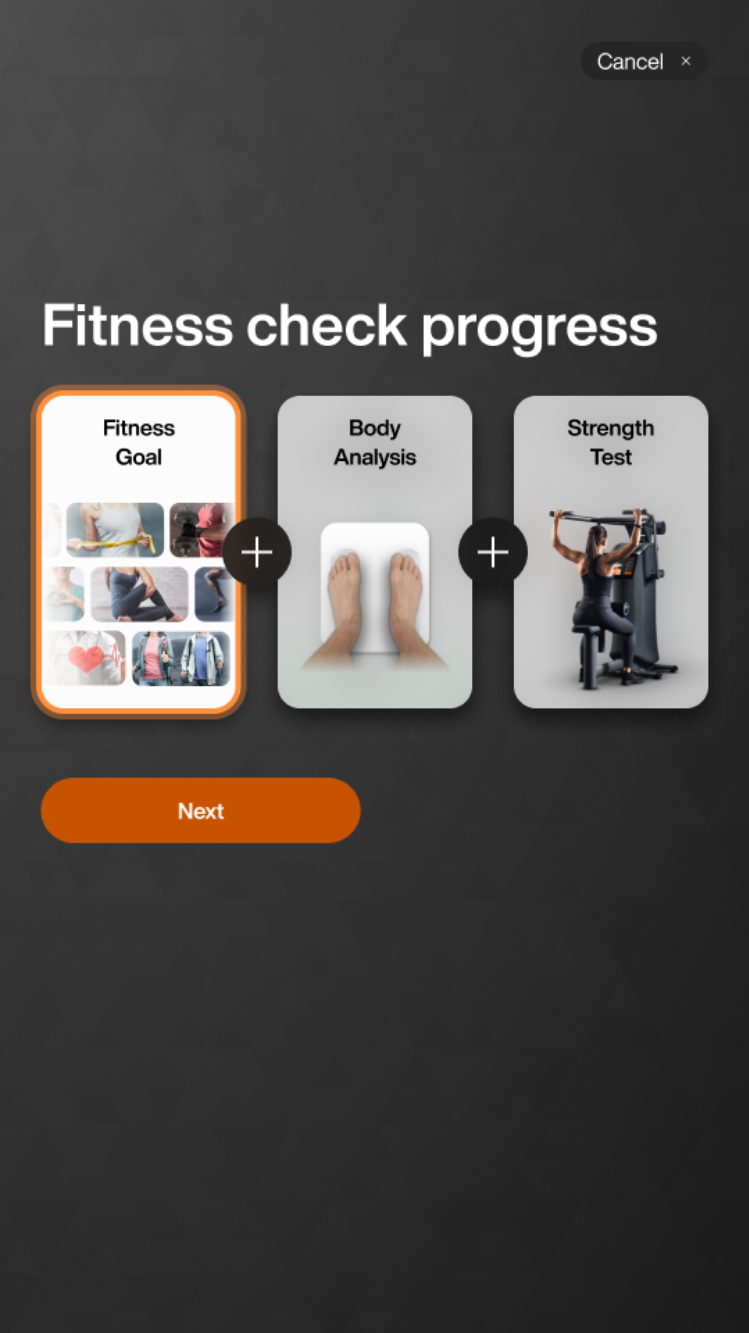
Tik op > om de fitnesscheck te starten.
Opmerking
Als je je fitnesscheck al hebt gestart, wordt het scherm dynamisch bijgewerkt om je eerdere voortgang te tonen. Bijvoorbeeld: Als je je Fitnessdoel al hebt voltooid, toont het scherm een vinkje
Selecteer je ervaringsniveau:
Selecteer je fitnessdoel:
Selecteer hoe vaak (1 - 7 dagen) per week je gaat trainen.
Selecteer de gemiddelde duur (15 - 180 minuten) van elke training.
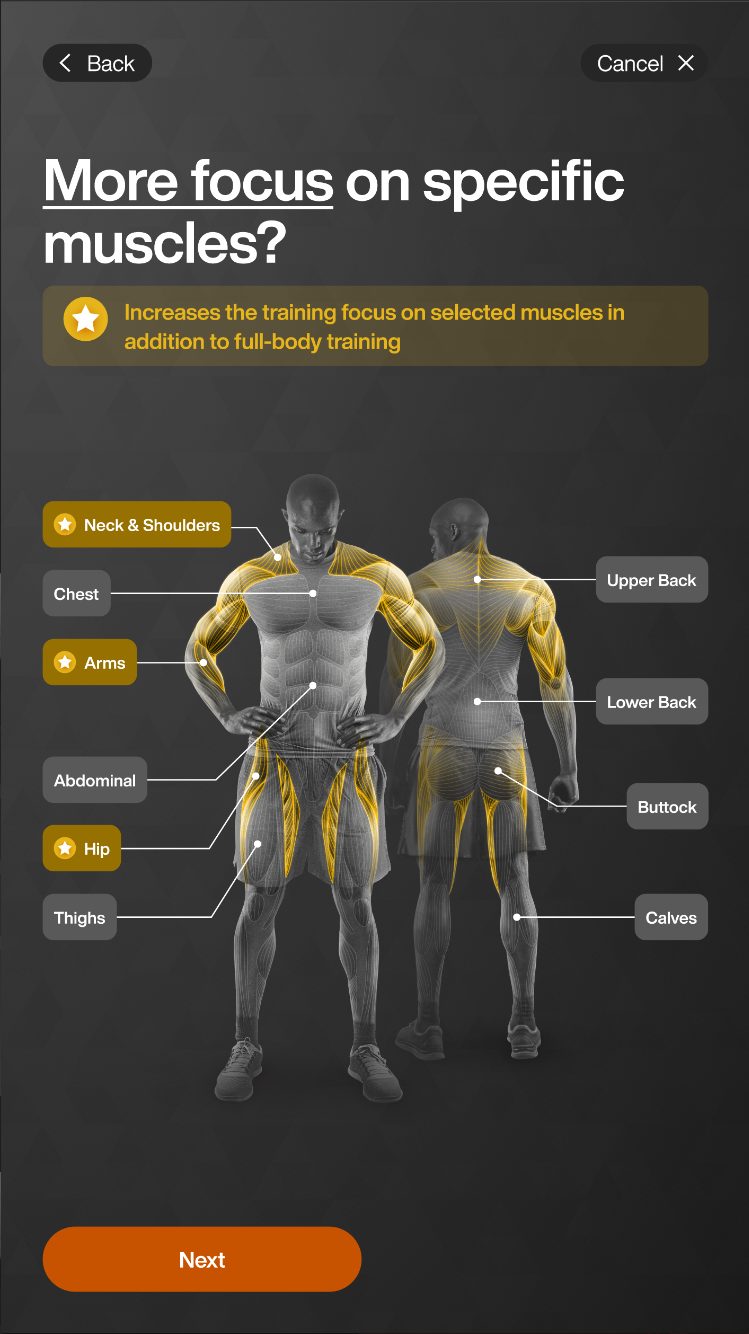
Selecteer spiergroepen voor extra focus. Tik op .
Opmerking
Genius-trainingsschema's bevatten standaard alle spiergebieden.
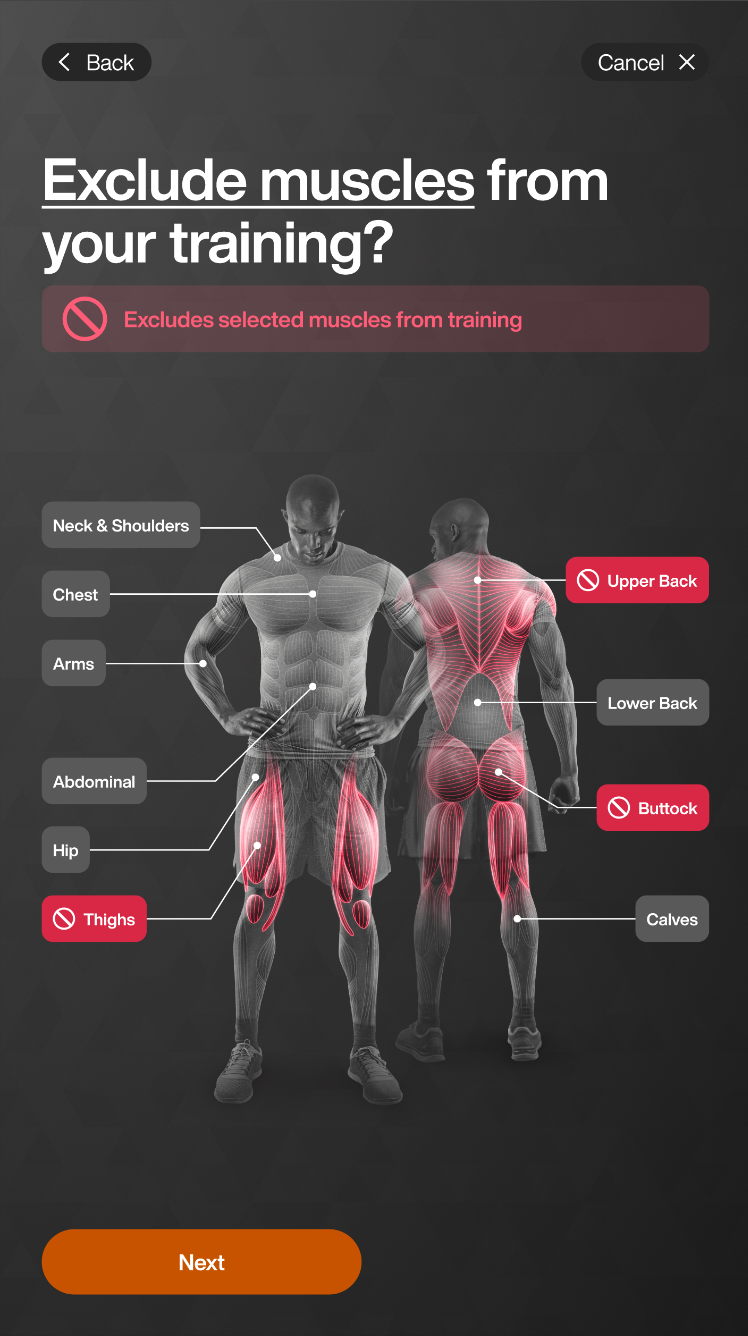
Selecteer spiergroepen om te vermijden. Tik op .
Opmerking
Alleen oefeningen die primair zijn gericht op de uitgesloten spiergroep worden verwijderd uit Genius-trainingsschema's. Oefeningen die de spier indirect belasten, waarbij minder dan 40% van de capaciteit wordt benut, blijven inbegrepen.
Bijvoorbeeld, als je kuiten uitsluit, worden oefeningen zoals kuiten omhoog trekken weggelaten, maar squats kunnen nog steeds in het trainingsschema verschijnen.
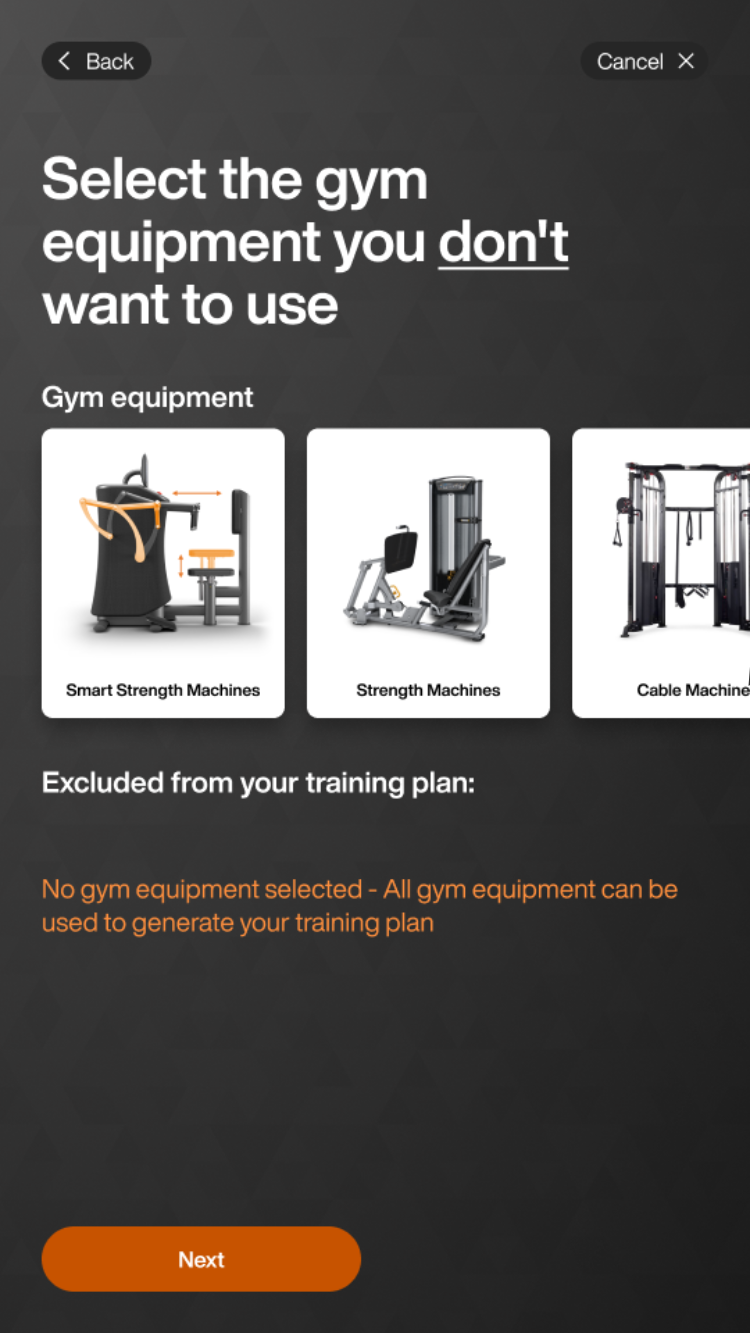
Selecteer apparatuur om uit te sluiten. Tik op .
Opmerking
Zelfs als een lid geen EGYM+ lidmaatschap heeft, krijgt diegene nog steeds EGYM Smart Strength-toestellen in zijn Genius-trainingsschema's. Om dit te vermijden, kun je in deze stap EGYM Smart Strength-toestellen uitsluiten.