Get body measurements and do strength tests in the gym
After you Fill out training profile, you need to get your body measurements and do a strength test in your gym.
Continue through the next screens and do one of the following:
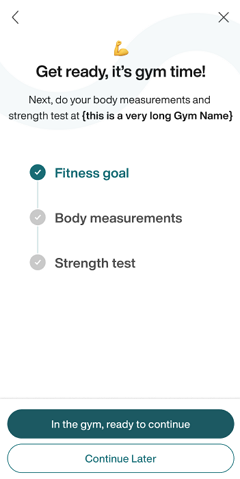
If you're already in your gym, tap .
If you're not in your gym, tap . This saves your progress in the app.
Once you're in your gym, launch the Wellpass app, go to and tap .
Note
If you've already completed your body measurements and strength tests, you can generate your plan at this point.
Click as you go through the intro screens until you're on the Fitness Hub screen.
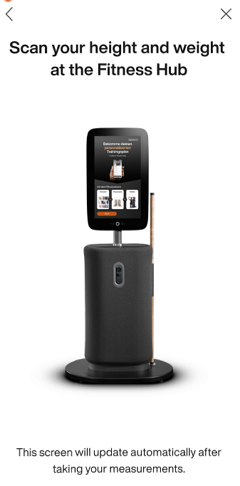
If you don't have one already, get an EGYM access card or wristband from your gym. Then, go to the EGYM Fitness Hub.
Note
Depending on your gym, EGYM equipment access may require an additional fee.
At the EGYM Fitness Hub, scan your login method and sign in via your Wellpass email and password. Then, scan your height and weight.
Note
The screen in Wellpass will update automatically once you're done.
Go to an EGYM Smart Strength machine. Scan your login method to sign in and do a strength test. Do this at four different machines.
Note
The screen in Wellpass will update automatically once you're done.
Lorsque vous avez terminé, appuyez sur .
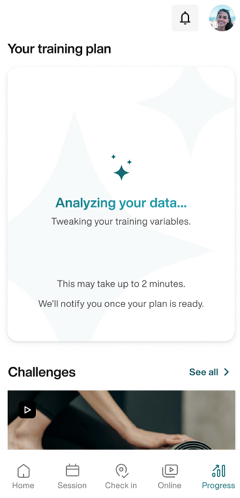
Genius commencera à générer votre plan. Vous recevez une notification une fois qu'il est prêt.
Note
Veillez à activer les notifications dans les réglages de votre appareil. Sinon, vérifiez plus tard dans l'application.
Once your plan is generated, you can Suivre votre entraînement.